gallerylink

Studio · Automation

Galleries that make and send themselves

Drop a client's photos into a Google Drive folder. The gallery is created with your look, closes when you choose, and reaches your client by email, text or WhatsApp. Built for studios that deliver dozens or hundreds of galleries, not one at a time.

Illustration of folders of photographs moving along a small conveyor toward an envelope

How it works

  1. Step 1

    Share one folder

    Pick a parent folder in Google Drive, say “Clients 2026”, share it as Anyone with the link, and connect it on the Automation page. Folders already in it are left alone.

  2. Step 2

    Add a folder per client

    Name it with the client, plus their email or phone if you like: “Anna Lee · anna@example.com”. About ten minutes after the last photo lands, the gallery is made, so a half-finished upload never goes out.

  3. Step 3

    It reaches your client

    With your look from a template gallery and the closing date you set. Emailed from your studio name, or sent through Make or Zapier as a text, a WhatsApp or KakaoTalk message, or into your booking system.

What studios use it for

Anywhere the same delivery happens over and over, the folder does the work.

Self-service photo studios and booths

Studios where customers shoot themselves and nobody sits at a computer.

The booth software saves each session into its own folder named with the customer's phone. Ten minutes later the customer gets their gallery link by text, with no staff involved.

School picture day and sports leagues

Hundreds of families from one shoot, each needing only their own photos.

Export one folder per child or team, named with the parent's email. Every family gets a private gallery and the same closing date, without you sending a single message.

Mini-session weekends

Holiday, Valentine's, pet and spring minis: 20 to 40 families in a weekend.

Export each family into its own folder as you finish editing. They're emailed in your studio's look the same evening, in time for holiday cards.

Company headshot days

Corporate clients with a photo for every employee.

One folder per person, each emailed their own retouched headshots. The webhook drops every link into a spreadsheet for HR.

Real estate and vacation rentals

Agencies and rental companies with a gallery per property.

Drop each listing's photos into the shared folder; the gallery appears with the agency's look, and the link goes to the agent's CRM or listing tool through Make or Zapier.

Events and conferences, same day

Event photographers with a second shooter feeding segments as they happen.

Each session or speaker gets a subfolder, and attendees or the organiser receive galleries while the event is still running.

Lightroom export as delivery

Any photographer who edits in Lightroom Classic.

With Google Drive for desktop, an export preset that writes into the client's folder is the last step: exporting is delivering.

WhatsApp-first clients

Markets where clients live on WhatsApp and rarely read email.

The webhook sends the gallery link, title and closing date to Make or Zapier, which messages the client on WhatsApp or by SMS from your own account.

What's included

  • ✓ Your look on every gallery, copied from a template gallery (covers and photos are never copied)
  • ✓ Studio name in the title automatically, e.g. “Smith Studio / Anna Lee”
  • ✓ Emails and phone numbers taken out of the title, so they never show on a cover
  • ✓ A closing date per gallery, with a reminder to the client before it closes
  • ✓ Client email from your studio name, with your reply-to, a QR code and the closing date
  • ✓ A signed webhook (HMAC) with the link, title, closing date, email and phone
  • ✓ An activity list of every folder seen, made, waiting or failed
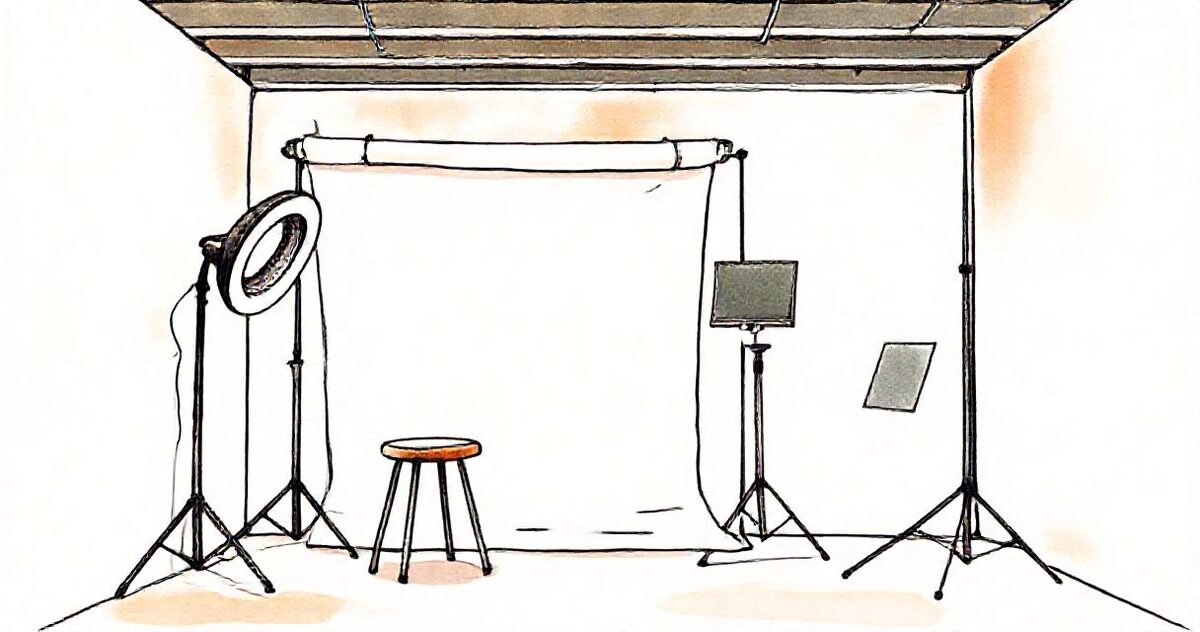
Illustration of an empty self-service photo studio with a ring light, a stool and a tablet on a stand

Part of GalleryLink Studio

$15 a month or $150 a year: Automation, 250 GB of hosted storage, ZIP downloads for uploaded galleries, watermarked previews and Save to Google Drive for your clients, plus everything in Pro.

Questions

Which plan includes Automation?
Automation is part of GalleryLink Studio, $15 a month or $150 a year, which also includes 250 GB of hosted storage, ZIP downloads for uploaded galleries and Save to Google Drive for clients.
Will a gallery go out before all the photos are uploaded?
No. A folder becomes a gallery about ten minutes after its last photo arrives, so a session that's still syncing from your computer or a booth isn't sent half-finished.
Can it send the link by text or WhatsApp?
Yes, through Make or Zapier. Each new gallery posts its link, title, closing date and the client's email and phone to your webhook, and your scenario sends the message from your own SMS or WhatsApp account.
What happens to folders that were already there?
They're skipped. Only folders added after you connect the parent folder become galleries, so switching it on never sends anything to past clients.
Do I need to use Google Drive?
Yes, for Automation: it watches a shared Google Drive folder. Your photos stay in your Drive; nothing is uploaded twice.