Scenes for a full wedding day
Subfolders in Drive render as named sections in the gallery, so the ceremony doesn't get buried under 300 reception frames. Reorganize in Drive and the gallery follows.
Wedding photographers
A wedding is the heaviest delivery you do all year: 60–90 GB of RAW-derived JPEGs, a couple who wants to share the link with 200 guests, and an album selection that drags on for weeks. GalleryLink turns the Drive folder you already back the wedding up to into the delivery gallery itself — organized by scene, password-protected, and ready in about a minute instead of an overnight upload.
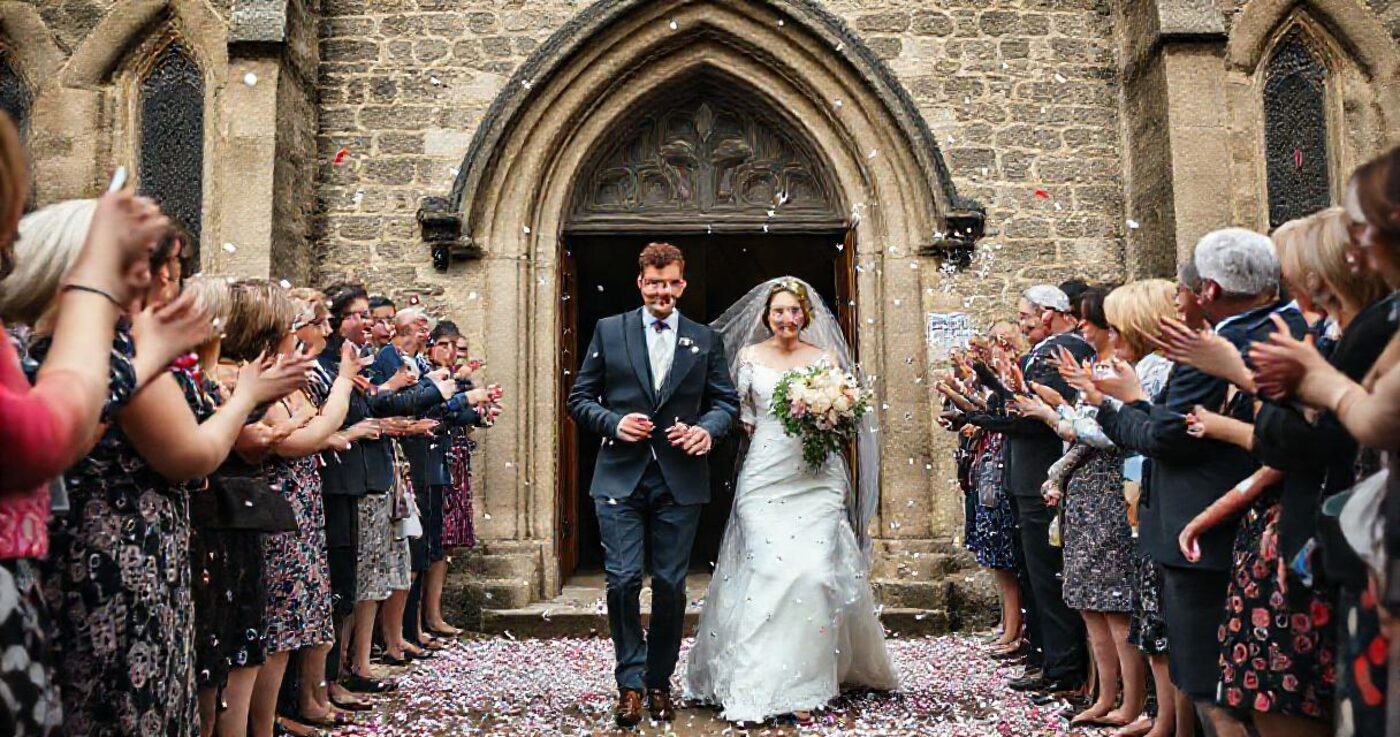
Deliver a wedding as a password protected gallery organised by scene, and let the couple mark album favourites so the picks come back as filenames rather than descriptions. You can upload the set to GalleryLink or point the gallery at the Drive folder the wedding is already backed up to, which skips the overnight second upload entirely. Galleries do not expire, so the link still opens on an anniversary.
Your existing folder structure is the gallery structure. Subfolders — Getting Ready, First Look, Ceremony, Portraits, Reception — become scenes the couple can jump between, so a 900-frame wedding never lands as one endless wall of thumbnails.
Share the folder as "Anyone with the link" in Drive, paste it into GalleryLink, pick a theme and layout, and set a gallery password. Only a bcrypt hash of that password is stored, and the slug is random, so the URL is unguessable on its own.
The couple opens it on their phone with no account and no app, browses full-screen, and downloads full-resolution originals. Guests can be given the same link and password, or their own view-only version with downloads switched off.
Turn on album selection with a target count — say 60 frames for a 40-page album. The couple hearts their picks and submits a final set with their name attached, and you get the list of filenames rather than a forwarded email thread.

Subfolders in Drive render as named sections in the gallery, so the ceremony doesn't get buried under 300 reception frames. Reorganize in Drive and the gallery follows.
Because the files live in your Drive, keeping a 2019 wedding accessible costs nothing extra. Couples come back on anniversaries — and that's when they order prints and refer you.
One password per gallery, easy to say out loud (the couple's names and the year is the usual choice). No client accounts, no verification emails, no app download.
Ceremony clips and the highlight film sit alongside the stills; the couple filters by Photos or Videos. Everything streams from Drive, so a 4K film doesn't cost you bandwidth.
On Pro, every wedding lives under yourname.gallerylink.live with your logo and type. Couples share a link that looks like your studio, not like a SaaS product.
Build and preview a gallery free, with no card. To share it with clients, go Pro. Pro is $5/mo or $50/yr for unlimited galleries, password protection, every theme and layout, and your own studio subdomain. Your photos stay in your Google Drive either way, so nothing here is priced by storage.
See full pricing →Share the wedding's Google Drive folder as "Anyone with the link", paste that link into GalleryLink, and send the gallery URL it generates. GalleryLink reads the folder live rather than copying it, so there's no second upload and no storage fee — the delivery gallery is the backup you already made.
Yes. The photos stay in your own Google Drive, so an old gallery costs you nothing beyond the Drive storage you're already paying for. There's no expiry timer and no per-gallery archive fee.
Turn on album selection for the gallery and set a target number. The couple hearts the frames they want and submits a final set with their name and an optional note; you see the submitted list of filenames in your dashboard and can copy them straight into your editing workflow.
That's up to you. Downloads are a per-gallery switch — leave them on so guests can grab full-resolution files, or turn them off for a view-only gallery where the images can still be browsed full-screen.
Nothing on your side. The gallery re-reads the Drive folder on every load, so drag the sneak peek into the folder and it appears in the gallery the couple already has open. The link never changes.
Paste a Google Drive folder link — or upload the photos straight to us — and share a beautiful gallery. Free to start, no credit card.
Start freeCreate a gallery