gallerylink

Client photo galleries · powered by Google Drive

Turn a Drive folder
into a client gallery.

GalleryLink turns a Google Drive folder into a beautiful, password-protected photo & video gallery your clients can view and download. No re-uploading, no storage fees, and one link that stays in sync with Drive automatically.

Free to start · No credit card · Your photos never leave Google Drive

See a sample gallery →

Explore More

The difference

Same folder. A world apart.

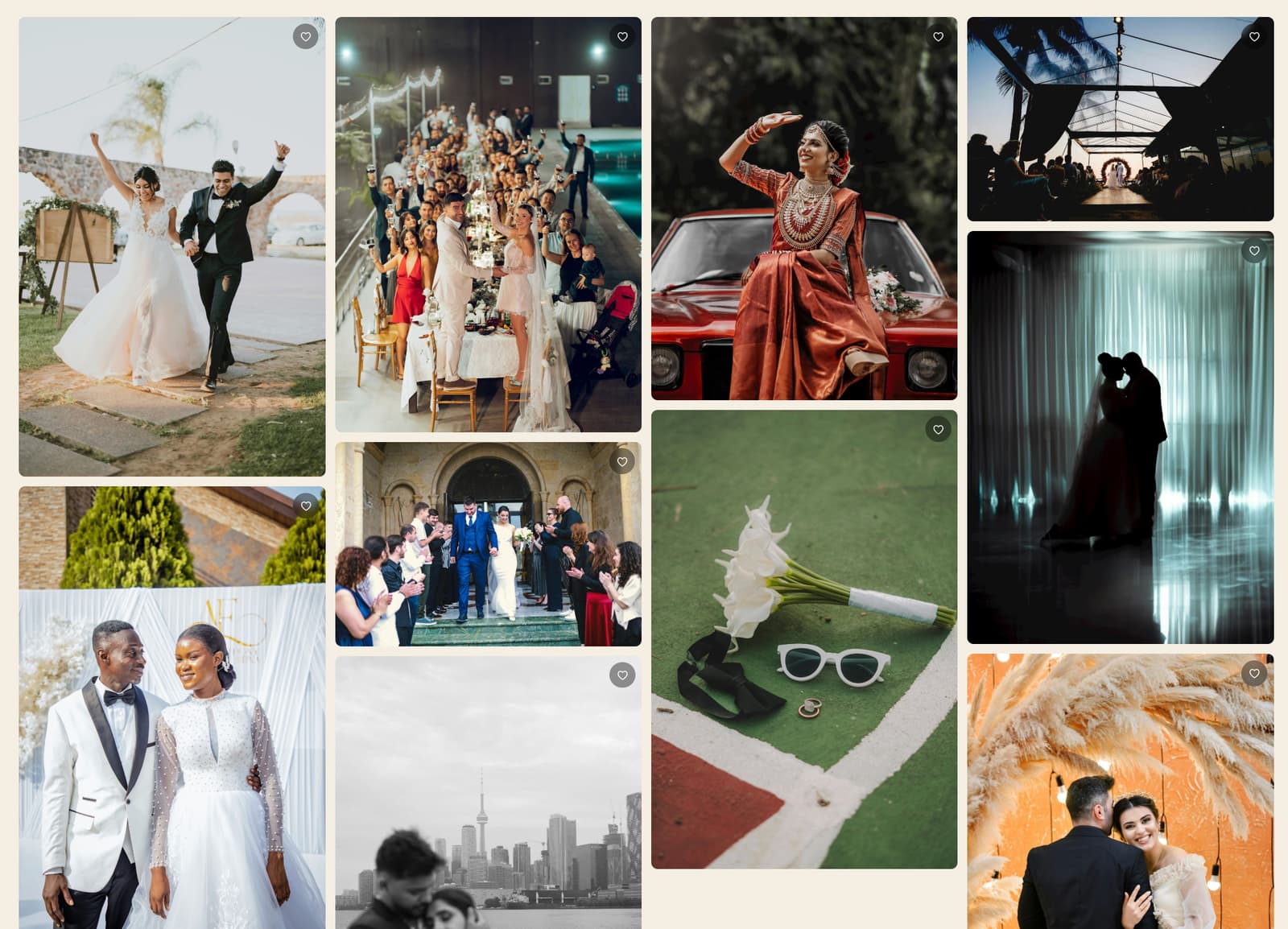
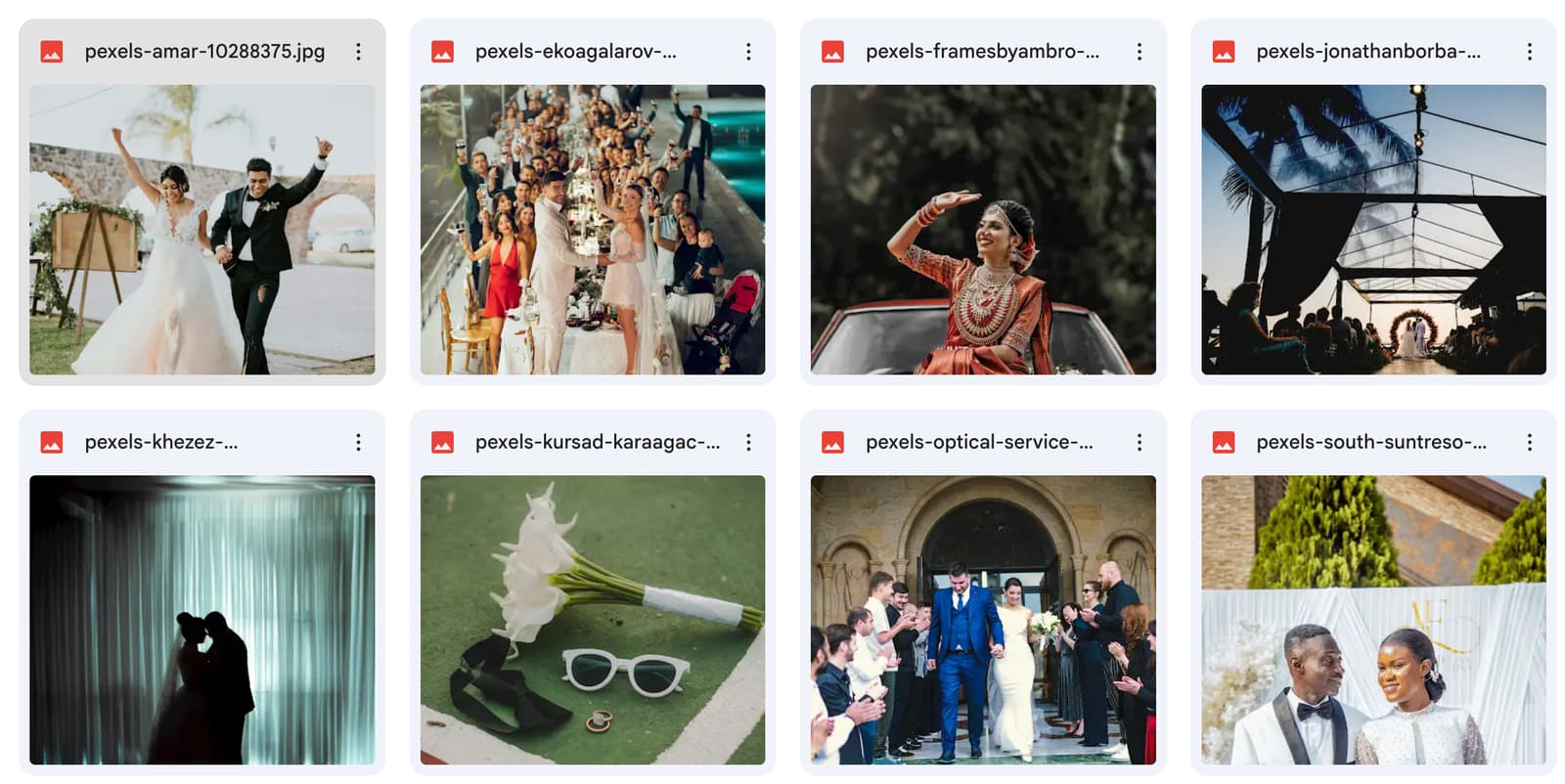
Drag the handle to compare a raw Google Drive folder with the gallery your clients receive from GalleryLink.

The same photos as a beautiful GalleryLink client galleryGalleryLink
A raw Google Drive folder of photo filesGoogle Drive

Drag the handle — or focus it and use the arrow keys.

Built around how you already work

No storage, no limits

Files never leave Google Drive. GalleryLink stores only metadata — no media, no bandwidth bills.

Always in sync

Galleries read your folder live on every load, so changes in Drive appear instantly.

Client-ready

Optional password, fullscreen lightbox, downloads, and your links — no client account needed.

Loved by photographers

Why photographers switch to GalleryLink

I deliver wedding galleries straight from the Drive folder I already back up to. No more re-uploading 60GB to another platform — my clients just get one beautiful link.
MRMaya R.Wedding photographer
Setup took about a minute. Clients love picking their album favourites, and I love that the photos never actually leave my Google Drive.
DKDaniel K.Portrait & family
The studio page on my own subdomain makes me look far more established than I am. Worth it for that alone.
SLSofia L.Events & branding

Who it's for

One gallery tool for every kind of shoot

However you shoot, GalleryLink turns the Google Drive folder you already keep into a beautiful, password-protected client gallery — with live sync, favorites, and full-resolution downloads. Here's how photographers and studios put it to work.

Wedding photographers

Deliver the whole wedding day — getting-ready, ceremony, and reception as separate scenes — in one private, password-protected gallery. Couples favorite their picks for the album, and you never re-upload a single file.

Portrait & family sessions

Share portrait, headshot, and family photo galleries clients can browse, heart their favorites, and download — making print selection effortless.

Events & corporate shoots

Conferences, launches, and parties: publish hundreds of event photos the moment they land in Drive, in a clean, on-brand gallery with same-day turnaround.

Newborn, maternity & boudoir

Keep sensitive sessions private with a password and an unguessable link — and switch downloads off entirely when a client wants view-only.

Real estate & architecture

Send property and interiors photo sets to agents and clients in a tidy grid that stays in sync with your Google Drive folder.

Product & commercial

Hand off product, fashion, and commercial shoots to brands and agencies with full-resolution downloads and your own branding on Pro.

Sports, schools & teams

Handle high-volume team, school, and sports galleries — hundreds of frames load fast thanks to lazy, resized previews and balanced masonry.

Travel & landscape

Show large travel and landscape collections in a flowing masonry layout that preserves every aspect ratio, with a fullscreen lightbox for the hero shots.

Videographers & hybrid shooters

Mix photos and video in a single gallery — clients play clips inline and filter by Photos or Videos, all streamed straight from Drive.

Studios & agencies

Run dozens of client galleries from one dashboard, each with its own theme, cover image, password, and shareable link.

See it in action

A glimpse inside a gallery

This is the masonry layout — the exact view your clients get, pulled live from your Google Drive folder. Pick grid or large when you create yours.

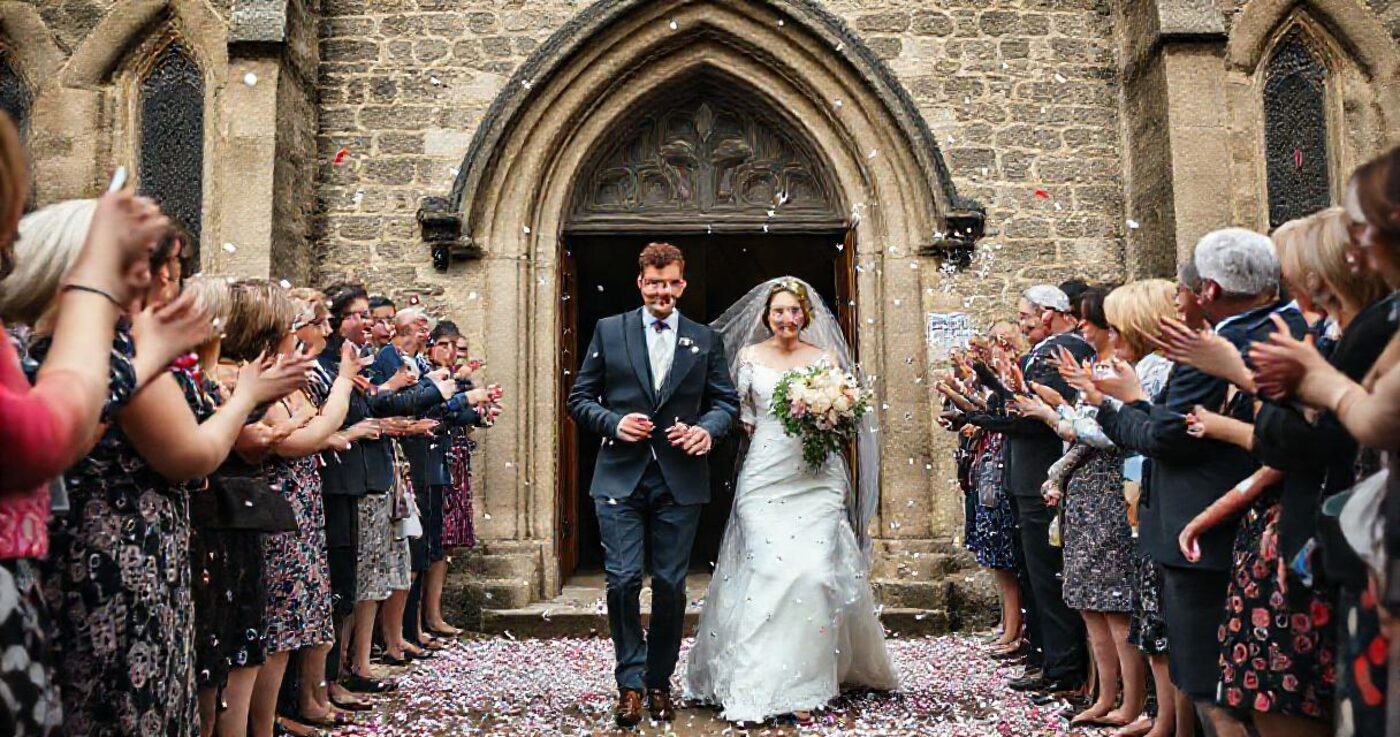
Sample gallery photograph

Your studio, your brand

One branded home for all your galleries

On Pro, you get a studio page at your own subdomain — yourname.gallerylink.live — with your logo, a hero image, and a theme that matches your work. Feature your best galleries and send clients to one polished address instead of scattered links.

  • Your own subdomain & custom gallery links
  • Logo, hero styles, and a featured gallery
  • Choose which galleries appear publicly
  • No GalleryLink branding
yourname.gallerylink.live
Your Studio

FAQ

Questions, answered

What is GalleryLink?+

GalleryLink turns a Google Drive folder into a beautiful, password-protected client photo and video gallery. No re-uploading and no storage fees — you share one link and it stays in sync with your Drive.

Do my photos get uploaded or stored?+

No. Your photos stay in your own Google Drive. GalleryLink reads the folder live to show the gallery and stores only metadata, never copies of your files.

Do my clients need an account?+

No. Clients open your link, enter a password if you set one, then view, favorite, and download — no sign-up or app required.

What happens when I add or remove photos in Drive?+

The gallery updates automatically. It reads your folder on each load, so changes appear within a minute and you never have to resend the link.

Can I give clients their own branded home?+

Yes. On Pro you get a studio page at yourname.gallerylink.live — your logo, hero, and themed page listing the galleries you choose to feature, so clients land on one branded address.

How much does GalleryLink cost?+

There's a free plan for one gallery. Pro is $5/month or $50/year and unlocks unlimited galleries, password protection, every theme and layout, and your own studio subdomain.

Still have a question? Get in touch or read the docs.