Unlimited galleries on Pro
A gallery per player or per class is the whole point, so Pro has no gallery limit: forty galleries cost the same $5 a month as one.
School & league photographers
School days, league seasons and team portraits all have the same shape: one shoot, dozens of families, and every family should see only their own child. Sending one big link breaks that, and emailing files one by one takes longer than the shoot. GalleryLink turns each Drive folder you already sort into its own private gallery, so every family gets one link that is theirs.
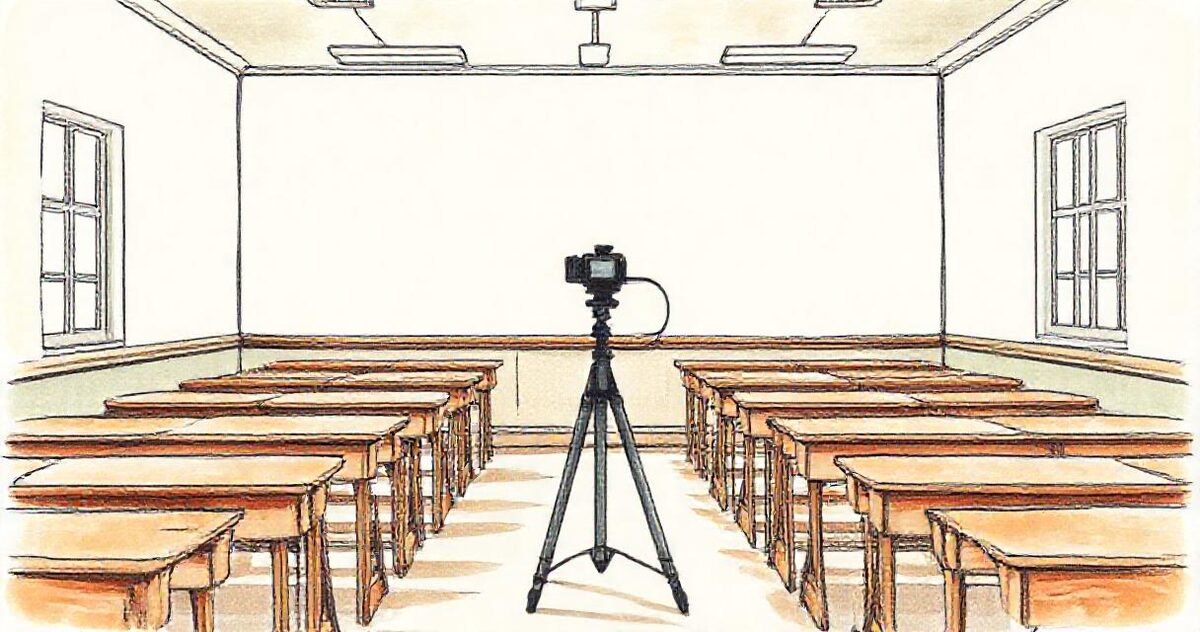
Sort the shoot into one Drive folder per player, class or family, make each folder its own gallery, and send each family only their link. Parents open it on their phone with no account, favourite and download at full resolution, and never see anyone else's children. On Pro, galleries are unlimited and you can add a password to any of them.
After the shoot, export into a folder per player, class or family inside one job folder in Google Drive. Name them so you can find them, ideally without a child's full name (a first name, initials or a shirt number works).
Share the folder as Anyone with the link, paste it into GalleryLink and pick a theme. It takes about a minute per gallery, and the gallery stays in sync if you add or swap photos later.
Copy the link, or print each gallery's QR code on a card for picture day. Parents open it with no app and no account, and see only their own child.
On Pro, add a password to any gallery and send it separately. Galleries are never indexed by search engines either way.
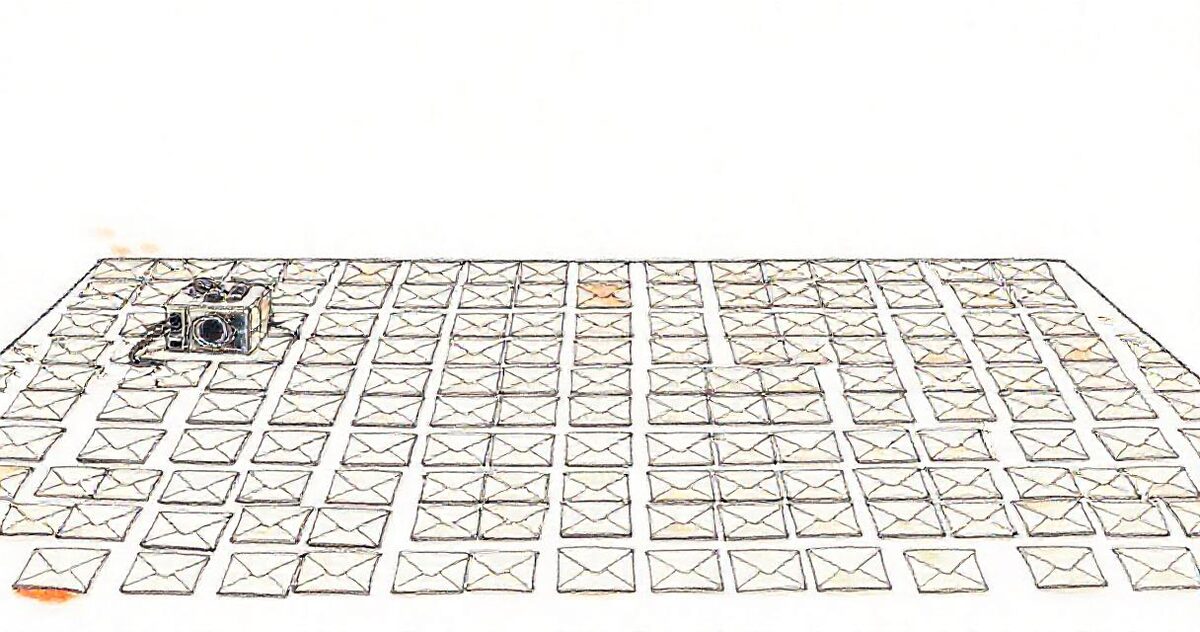
A gallery per player or per class is the whole point, so Pro has no gallery limit: forty galleries cost the same $5 a month as one.
Drive-linked galleries read your own Google Drive, so a two-thousand-photo school day doesn't count against any storage tier here.
Each gallery has its own QR code, so you can hand a card to each family on the day and the link can't get lost in a chat.
Parents open galleries on their phones, favourite their child's best frames and download at full resolution for prints.
Add a password on Pro to any gallery that shouldn't travel beyond the family, without asking anyone to create an account.
The free plan publishes one live gallery — enough to try this on a real job. Pro is $5/mo or $50/yr for unlimited galleries, password protection, every theme and layout, and your own studio subdomain. Your photos stay in your Google Drive either way, so nothing here is priced by storage.
See full pricing →Put each child's or family's photos in their own Google Drive folder, then create one gallery per folder in GalleryLink and send each family only their link. On the free plan you get one gallery; Pro removes the limit, which is what per-family delivery needs.
No. Parents open the link in a browser on any phone or computer, with no app and no sign-up. If you add a password on Pro, they just type it in.
Each family only receives the link to their own gallery, galleries are never indexed by search engines, and on Pro you can add a password. Child-safeguarding guidance such as the NSPCC's recommends getting parental consent and not publishing children's names with their images, so keep full names out of gallery titles.
Pro is $5 a month or $50 a year with unlimited galleries, so a team of twenty or a school of twenty classes costs the same. Drive-linked galleries don't use storage, so big shoots don't push you into a higher tier.
Not yet: each gallery is created from its folder, which takes about a minute. If you deliver at this scale, tell us what you need, as bulk creation is something we are looking at.
No. GalleryLink is a delivery tool: parents download at full resolution and print wherever they like. If print sales are the core of your business, you'll want a print lab platform alongside.
Paste a Google Drive folder link — or upload the photos straight to us — and share a beautiful gallery. Free to start, no credit card.
Start freeCreate a gallery