No app is the whole feature
Anything that requires an install loses most of a guest list. A browser page that opens from a QR code keeps ages eight to eighty-eight.
Event hosts & couples
Two hundred guests photograph your event and then the photos scatter: some in a group chat that compresses them to mush, some posted, most never seen by anyone but the person who took them. You do not need to be a photographer to fix this. Put one QR code on the tables and every guest's photos land in one gallery you own, alongside anything a hired photographer delivers later.
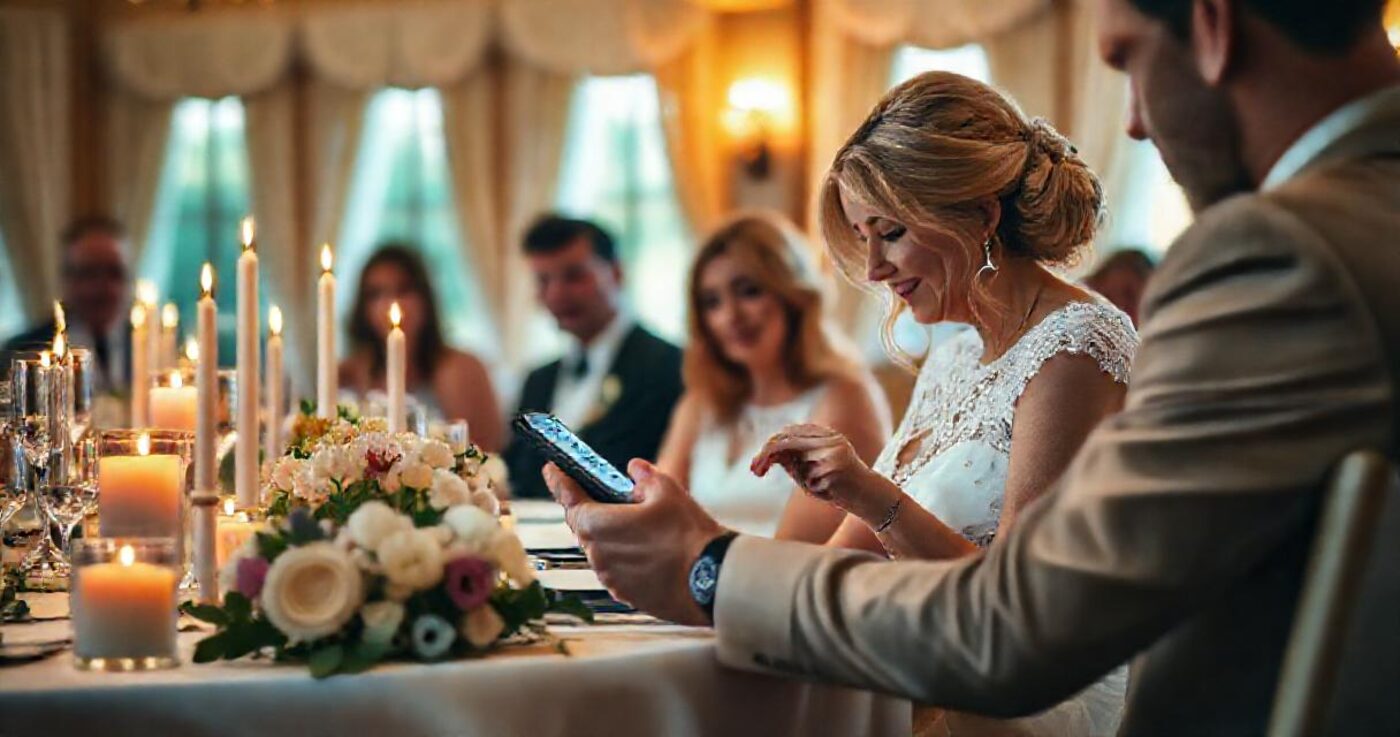
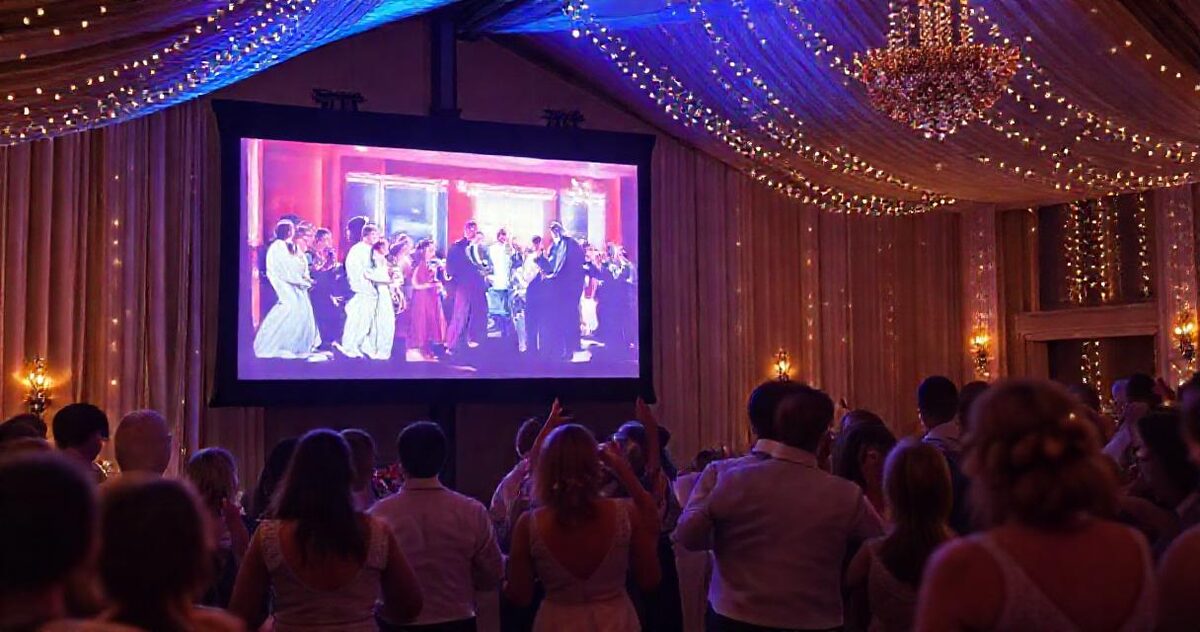
Print a QR code on the table cards. Guests scan it and their photos upload straight into your gallery from the browser, with no app and no account, and a live slideshow on the venue screen shows them arriving during the event. Afterwards, everyone gets one link to the whole set instead of a dozen group chats.
Name it, pick a theme, switch on guest uploads. Free plan covers one gallery, which for one wedding or party is all this needs.
GalleryLink generates print-ready QR cards and posters. On the tables works far better than at the entrance, because that is where people sit with their phones out.
No app, no account, any phone. They pick photos from their camera roll and the photos land in the gallery, named to the gallery's sections.
A fullscreen live view updates as photos arrive, and new photos jump the queue. The room turns around the first time someone sees themselves.
Everything, guest photos and professional set together, at one address that does not expire. Send it once; anniversaries take care of the rest.
Anything that requires an install loses most of a guest list. A browser page that opens from a QR code keeps ages eight to eighty-eight.
Uploads land where you can review and remove. Needed less often than people fear, worth having the once it matters.
Uploads arrive at full quality and downloads leave the same way, unlike the group chat that flattens everything to a smear.
If there is one, their delivery can live in the same gallery. If not, the guest set is the record of the day, and it is a good one.
Build and preview a gallery free, with no card. To share it with clients, go Pro or pay $10 once for that gallery. Pro is $5/mo or $50/yr for unlimited galleries, password protection, every theme and layout, and your own studio subdomain. Your photos stay in your Google Drive either way, so nothing here is priced by storage.
See full pricing →No. The QR opens a normal web page, they choose photos, done. That is the reason participation is high.
Uploads only work through the gallery link, and you can password-protect viewing while leaving the upload page open, or close uploads the day after the event.
The free plan covers one gallery. Guest uploads and the live slideshow are part of the paid plan, which for a single event is one month of Pro.
You do. Download everything as an archive, keep the gallery online as the shared album, or both. It is not tied to any one guest's account or storage.
Paste a Google Drive folder link — or upload the photos straight to us — and share a beautiful gallery. Free to start, no credit card.
Start freeCreate a gallery