Holiday Let Advertising in 2026: Where to List and How to Share Your Photos
Where to advertise a UK holiday let or self-catering cottage, what to photograph, and one link to share your photos with guests, agencies and booking sites.
Short answer
Advertise a holiday let on booking sites, through a holiday cottage agency, on your own website, on local tourism listings and on social media. All of them need the same photos: shoot the approach, every bedroom, kitchen, bathrooms, outside space and the area, keep them in a Google Drive folder, and share one gallery link, downloads off for guests and on for agencies.
If you run a holiday let, a self-catering cottage or a serviced apartment in the UK, your photos do more work than any description. Guests compare dozens of listings in a few minutes, and the photos decide which ones they read. This guide covers what to photograph, how to organise it, and how to share one clean link with guests, agencies and booking sites.
- Where to advertise a holiday let
- What to photograph
- Organise the photos in Google Drive
- Share them as one gallery link
- Sending photos to agencies and booking sites
- Keeping photos up to date
Where to advertise a holiday let
- Booking sites (Airbnb, Vrbo, Booking.com): the widest reach, at the cost of commission.
- Holiday cottage agencies: they market the property for you, usually for a higher commission, and ask for a full set of high-resolution photos.
- Your own website: direct bookings and returning guests, with no commission.
- Local tourism listings: regional tourism websites and visitor guides.
- Social media: Instagram and Facebook posts, with a link to the full gallery.
- Returning guests: an email each year with new photos is often the cheapest booking you'll get.
Every one of these runs on your photos, so the rest of this guide is about getting them right and making them easy to share.
What to photograph
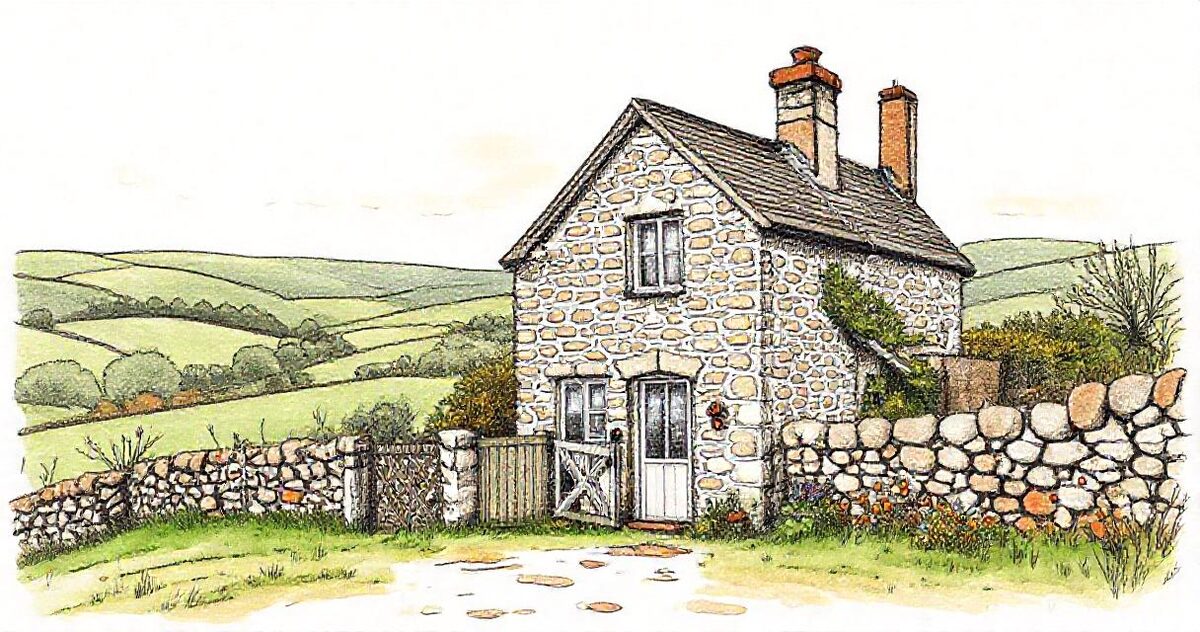
- The approach: the cottage from the lane, the garden gate, parking.
- The cosy shots: the log burner, the reading chair, the table set for dinner.
- Every bedroom: one wide shot each, so guests can count beds.
- Kitchen and bathrooms: clean, bright, with the useful details (dishwasher, roll-top bath).
- Outside space: garden, patio, hot tub, the view at its best time of day.
- The area: the nearest village, beach or walk. Guests are buying the location as much as the house.
- Dog-friendly or accessible features if you offer them: a secure garden, a ground-floor bedroom, a level entrance.
Organise the photos in Google Drive
Make one folder per property and a subfolder for each part of it: Outside, Living, Bedrooms, Kitchen, Bathrooms, Area. Name the photos you want captioned, for example "Master bedroom - king size bed.jpg". Keep a separate subfolder for seasonal photos, such as the garden in summer or the cottage in snow.
Share them as one gallery link
- Share the property folder as "Anyone with the link" (Viewer).
- Paste the folder link into GalleryLink and create a gallery. Each subfolder becomes a section with its own heading.
- Choose whether visitors can download: off for guests, on for agencies.
- Send the link with your enquiry replies, or print the QR code for your welcome folder.
Guests see the cottage as a proper gallery on their phone, not a Drive file list, and they don't need a Google account to open it.
Sending photos to agencies and booking sites
Holiday cottage agencies, booking sites and local tourism listings all ask for your photos, usually at full resolution. Instead of emailing attachments or sharing your whole Drive:
- Make a second gallery from the same folder with downloads on.
- Send that link to the agency. They can download everything at full quality, or the photos they choose.
- Update the folder and every link updates too, so nobody works from last year's photos.
Booking.com recommends at least 24 good-quality photos per property, so a full gallery also gives you a ready set for every listing.
Keeping photos up to date
- Re-shoot after any redecoration or new furniture.
- Add seasonal photos: a summer garden sells July, a fire and blankets sell November.
- Check each spring that the photos still match the property, so reviews don't mention "it looked different".
Running several lets? See GalleryLink for vacation rentals and hotels for how to create a gallery for every property at once.