How Property Managers Send Owners Photo Reports in 2026 (One Link per Property)
A simple way for villa and vacation rental managers to send owners regular photo reports: what to photograph, how to organise Google Drive, and one gallery link per property.
Short answer
Photograph the same list of areas on every visit, keep the photos in one Google Drive folder per property with a subfolder per month, and turn each property folder into a gallery link. The owner always opens the same link and sees the newest photos at the top. With GalleryLink Studio, every property folder becomes a gallery in one go.
If you manage villas, apartments or holiday homes for other people, the owners want to see their property. Not a spreadsheet line saying "inspected, all fine", but photos: the pool after cleaning, the new sofa, the water stain someone noticed under the sink. Owners who can't see their home tend to worry, and worried owners leave.
This guide shows a simple way to send owners regular photo reports: one gallery link per property, updated from the Google Drive folder your team already uses.
- Why photo reports keep owners
- What to photograph each visit
- Set up Drive: one folder per property
- Turn each folder into an owner link
- How often to send
- Common mistakes
Why photo reports keep owners
Owners hand over a valuable asset, often from another city or country. What they can't see, they fill in with worry. Villa managers in places like Phuket advertise monthly owner statements that come with a maintenance report and photographs, and articles about Bali villa management list poor transparency and communication among owners' most common complaints about their managers.
A clear, regular photo report answers the question owners rarely ask out loud: "Is my home being looked after?" It also protects you. When a guest damages something, or an owner says a problem was never reported, a dated set of photos settles it.
What to photograph each visit
Use the same list every time, so owners can compare month to month:
| Area | What to show |
|---|---|
| Outside | Front of the property, garden, pool or terrace, any outdoor furniture |
| Living areas | Each room from the doorway, so the whole space is visible |
| Kitchen and bathrooms | Surfaces, under the sink, around the shower and toilet (where leaks show first) |
| Bedrooms | Made beds, wardrobes, any marks on walls |
| Issues | A wide photo and a close-up of anything damaged, worn or repaired |
| Work done | Before and after photos of repairs, deep cleans or new items |
Name issue photos clearly, for example "Bathroom - leak under sink.jpg". If you show file names in the gallery, the owner reads the note right under the photo.
Set up Drive: one folder per property
- Make a parent folder for all your properties, for example "Owner reports".
- Inside it, one folder per property: "Villa Mango", "Apartment 4B", and so on.
- Inside each property, one subfolder per visit or month: "2026-11 November", "2026-10 October". In the gallery, each subfolder becomes its own section, newest at the top if you number them that way.
- Share each property folder as "Anyone with the link" (Viewer). The owner only ever gets the gallery link for their own property, never the parent folder.
Your team keeps uploading to Drive from their phones, exactly as they do now. Nothing changes in the field.
Turn each folder into an owner link
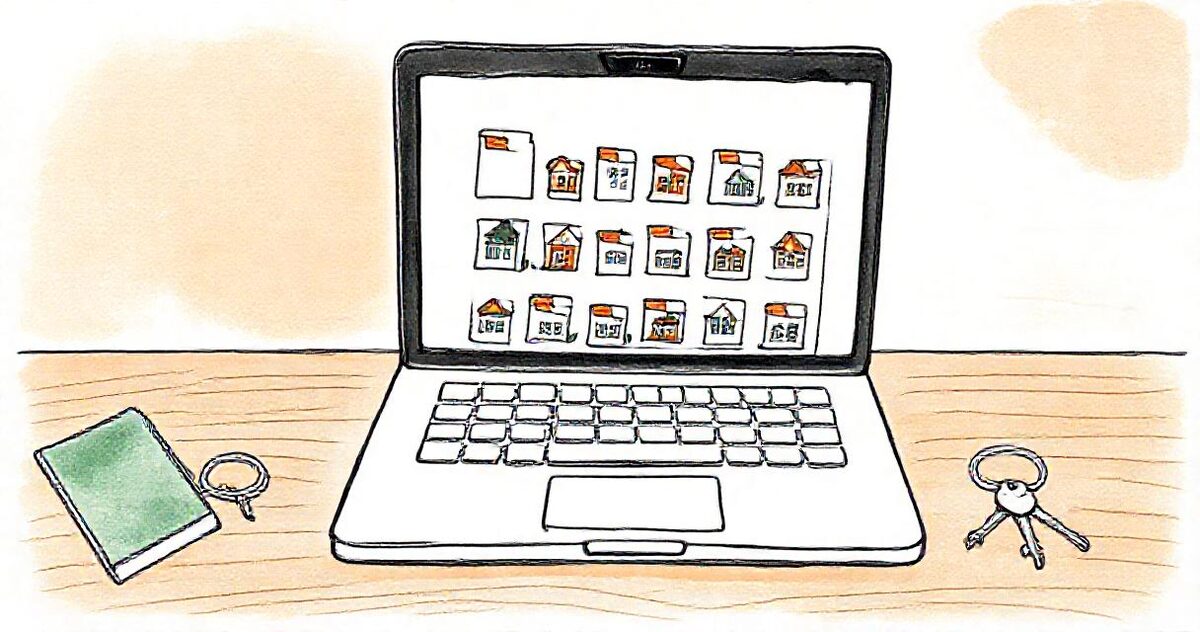
- In GalleryLink, choose New gallery and paste the property's folder link.
- Pick a calm, simple look, and switch downloads on or off. Most owners like to save photos, so on is usual here.
- Send the owner the link. It opens on a phone without an account, and it stays the same: next month's photos appear in the same gallery as soon as they're in the folder.
Managing many properties? With the Studio plan, paste the parent folder once, tick the properties, and every one becomes its own gallery in one go, with the links ready to copy or download as a spreadsheet. A watched folder can also create the gallery automatically when you add a new property.
How often to send
- Monthly: the routine report, sent with your statement.
- After every turnover with an issue: damage, missing items, a deep clean.
- After any repair or purchase: before and after, so the owner sees what they paid for.
- Before peak season: a full set showing the property is ready.
Because the link never changes, you don't need to send a new one each time. A short message saying "November's photos are in your gallery" is enough.
Common mistakes
- Sharing the whole Drive: one wrong link can show an owner every other property you manage.
- Photos only when something is wrong: regular "all fine" photos build the trust that makes bad news easier to deliver.
- Different angles every month: owners can't compare. Keep a fixed list.
- Dozens of WhatsApp photos: they get buried and lose their dates. A gallery keeps them organised by month.
GalleryLink turns a Google Drive folder into a gallery in about a minute. Try it free with one property's folder and see what your owners will get.