One property per link
Each gallery shows only its own folder, so an owner or guest can never browse into another property or your internal files.
Vacation rentals and hotels
Property managers, hosts and small hotels already keep their photos in Google Drive: one folder per villa, apartment or room type. GalleryLink turns each of those folders into a clean photo gallery at its own link, so the owner sees this month's photos, the guest sees the place before they book, and the travel agent gets the approved pictures, without anyone digging through a shared folder.
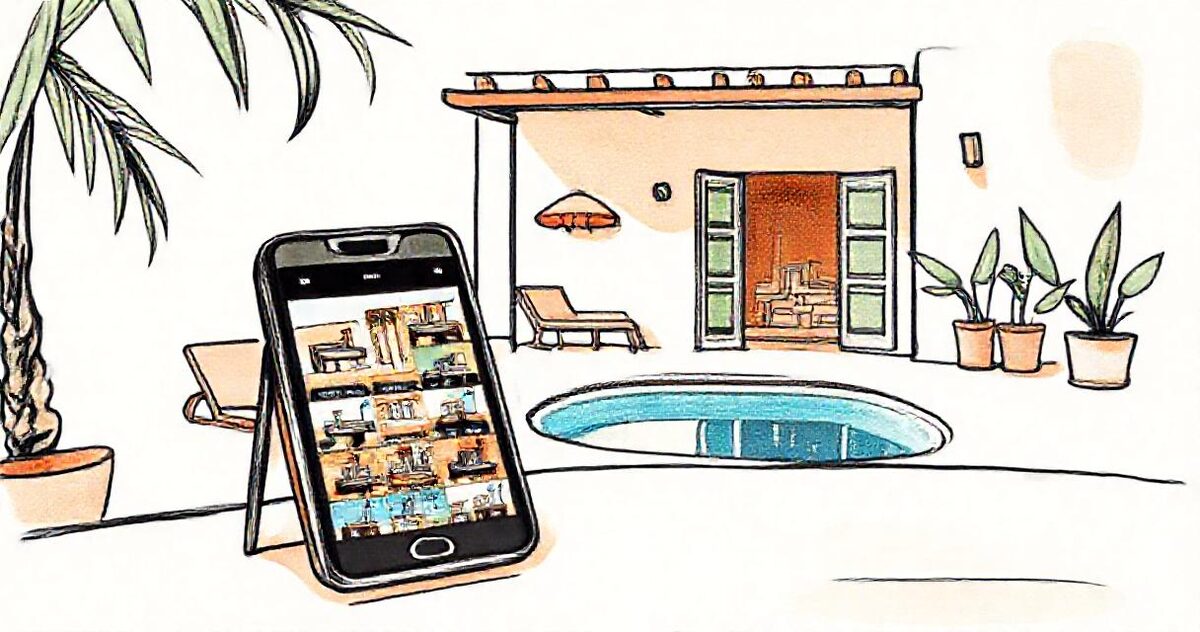
Keep one Google Drive folder per property, with subfolders for rooms or for each month, and turn each folder into a gallery link with GalleryLink. Send that link to owners, guests or agents: it opens on any phone without an account, downloads can be switched off, and new photos added to the folder appear in the same link. With Studio, a whole portfolio of property folders becomes galleries in one go.
Villa, apartment, room type or hotel. Subfolders become sections, so Bedrooms, Pool and Kitchen, or October and November, each get their own heading.
Paste the folder link into GalleryLink and pick a look. With Studio, paste the parent folder instead and create a gallery for every property at once, up to 50 at a time.
The owner gets their property's link, the guest gets a preview before arrival, the agent gets the approved photos. Each link shows one property and nothing else.
New photos from this month's inspection or a fresh shoot go into the same folder and appear in the same gallery. The link and its QR code never change.
Each gallery shows only its own folder, so an owner or guest can never browse into another property or your internal files.
Showing a place to guests? Switch downloads off. Sending approved photos to an agent or a booking site? Turn them on, with full-resolution files.
With Pro, galleries carry your logo and business details, with no GalleryLink branding, so a link to an owner looks like it came from your company.
Studio adds bulk create for many properties at once, and a watched folder: add a new property folder in Drive and its gallery is made for you.
Build and preview a gallery free, with no card. To share it with clients, go Pro. Pro is $8/mo or $80/yr for unlimited galleries, password protection, every theme and layout, and your own studio subdomain. Your photos stay in your Google Drive either way, so nothing here is priced by storage.
See full pricing →No. The gallery opens in any browser, on a phone or a computer, without signing in to Google or GalleryLink.
Yes. Switch downloads off for a gallery and visitors can only view the photos. With downloads off on Studio, right-click and long-press saving are blocked too, and previews can carry your watermark.
Not with Studio. Put one folder per property inside a single Drive folder, paste that parent folder once, tick the properties you want, and every one becomes its own gallery, with the links ready to copy or download as a spreadsheet.
Booking.com recommends at least 24 good-quality photos per property. Keeping them in one gallery per property also gives you a tidy source to upload to each booking site.
On Pro and Studio, galleries stay online for as long as you're subscribed, or until a closing date you choose. On the free plan a gallery is shared for 24 hours.
Paste a Google Drive folder link — or upload the photos straight to us — and share a beautiful gallery. Free to start, no credit card.
Start freeCreate a gallery