Senior Portraits 2026: The Complete Guide for Photographers (Pricing, Sessions, Yearbook and Delivery)
A complete guide to senior portrait photography for US photographers: when senior season happens, session types and packages, how to price, contracts and consent for minors, preparing seniors and parents, yearbook photo requirements and deadlines, delivering galleries seniors share, products and marketing to next year's class.
Short answer
Senior portraits are personal sessions for high school seniors, usually from late spring of junior year through fall of senior year, with summer and early fall as the peak. Price the whole job (planning, session, editing, delivery, yearbook submission), book with a parent or guardian, plan your calendar backward from each school's yearbook deadline, send a sneak peek within days, and deliver a phone-friendly gallery where the senior picks favorites for the yearbook and prints.
Senior portraits are one of the most distinctly American corners of photography. A high school senior, usually in the summer or fall of their final year, has a session that's part milestone, part personal brand, and part family keepsake. Parents pay for it, the senior cares deeply about how they look in it, the school yearbook needs one photo by a deadline, and grandparents want prints on the mantel. For a portrait photographer, that's a busy, profitable season, and one that rewards being organized.
This guide walks through a senior season end to end: when sessions happen, how to plan and price them, what to prepare seniors and parents for, the session itself, yearbook requirements, and how to deliver galleries that a 17-year-old will actually share. The photography is the part you already know; most of what follows is about running the season smoothly.
- What senior portraits are, and who you're really serving
- When senior season happens
- Session types and packages
- How to price senior sessions
- Booking, contracts and consent
- Preparing seniors and parents
- The session itself
- Yearbook photos and deadlines
- Delivering the gallery
- Prints, announcements and albums
- Marketing for next year's class
- A season workflow that scales
What senior portraits are, and who you're really serving
A senior portrait session is a personal portrait shoot for a student in their last year of high school. It has grown well beyond the plain yearbook headshot schools used to arrange. Today's sessions are usually on location, with outfit changes, props that say something about the senior (a sports jersey, an instrument, a car, a pet), and a relaxed, editorial feel.
You're serving three people at once, and it helps to think about each separately:
- The senior wants to look like themselves on their best day, and wants photos they're proud to post. Their opinion decides whether the gallery gets shared, which is your best marketing.
- The parent usually books and pays. They want a milestone captured, a smooth process, clear prices, and photos for the family: prints, a graduation announcement, something for grandparents.
- The school has its own requirements for the yearbook photo: format, size, background, pose, and a hard deadline.
A season goes well when all three get what they need without anyone chasing anyone.
When senior season happens
Most senior portraits are taken between late spring of junior year and the fall of senior year, with summer and early fall as the peak. That timing works for a few reasons: the weather is reliable in most of the country, the light is long and warm, seniors aren't yet buried in their final semester, and many yearbook deadlines fall in the fall or early winter.
| When | What happens |
|---|---|
| Late winter to spring (junior year) | Families start looking. Announce next season, open early booking, recruit any ambassadors or a model team. |
| Late spring to early summer | Early sessions, often the most relaxed. Good for fall sports seniors who'll be busy later. |
| Summer | Peak season. Long evenings for golden-hour sessions. |
| Early to mid fall | The last wave, fall foliage sessions, and the rush to meet yearbook deadlines. |
| Winter to spring (senior year) | Ordering prints, graduation announcements and albums; some winter or cap-and-gown sessions. |
Yearbook deadlines vary a lot between schools, so ask each senior which school they attend and look up (or ask the yearbook adviser for) the actual date. Build your booking calendar backward from the earliest deadlines among your clients.
Session types and packages
Most senior photographers offer two to four session types. Keeping the menu short makes booking easier for parents and editing more predictable for you:
- Mini session: about 30 minutes, one location, one or two outfits, a smaller number of edited images. Good for budget-conscious families or a yearbook-only need.
- Standard session: about an hour, one or two locations, two or three outfits, a full gallery of edited images.
- Signature or extended session: longer, multiple locations, more outfits, sometimes hair and makeup, and the largest gallery.
- Add-ons: a friend or sibling joining, a pet, a second location, a sports or activity set, cap-and-gown photos in spring.
Say clearly what each includes: time, locations, outfits, the number of edited images, and how they're delivered. Most disputes in portrait work come from a mismatch between what a client imagined and what the package said.
How to price senior sessions
Senior pricing varies enormously by region and by photographer, so there's no single right number. What matters is that your price covers the whole job, not just the hour of shooting. A senior session typically includes:
- Consultation messages and planning (outfits, locations, timing)
- Travel to and between locations
- The session itself
- Culling and editing, often the biggest chunk of time
- Gallery delivery, yearbook submission and follow-up questions
- Print and product orders, if you offer them
A simple way to sanity-check a price: add up the hours for one typical standard session from first message to final delivery, multiply by the hourly rate you need to make (after your expenses and taxes), and add your costs per session (travel, any assistant, software, products). For example, if a standard session takes about seven hours in total and you need $60 an hour, that's $420 before costs, which tells you whether a $300 package is sustainable. Your numbers will differ; the point is to know them.
Two common pricing models:
- All-inclusive: one price covers the session and a set of digital images. Simple for parents, predictable for you.
- Session fee plus products: a lower session fee, with images and prints sold separately afterward. Can earn more, but takes more selling time and suits photographers who enjoy in-person ordering appointments.
Whichever you choose, publish clear starting prices. Parents shopping for senior photos compare several photographers, and "contact me for pricing" loses a lot of them.
Booking, contracts and consent
- Book with a parent or guardian. Most seniors are minors when they're photographed, so the contract, payment and permissions should come from a parent or guardian.
- Take a retainer to hold the date, non-refundable or applied to the package. Summer evenings fill fast, and a no-show costs you a prime slot.
- Write down the essentials: what's included, rescheduling and weather policy, delivery timeline, how long the gallery stays online, and usage rights for the images.
- Ask separately about marketing use. Showing a senior's photos on your website or Instagram is different from delivering them to the family. Get clear permission from the parent (and ideally the senior) for public use, and respect a "no".
- Check location permissions. Many parks, campuses and private venues require a permit or permission for commercial photography.
Preparing seniors and parents
Good preparation shows in the photos, and it saves time on the day. A short welcome guide (a PDF or a page on your site) after booking covers most of it:
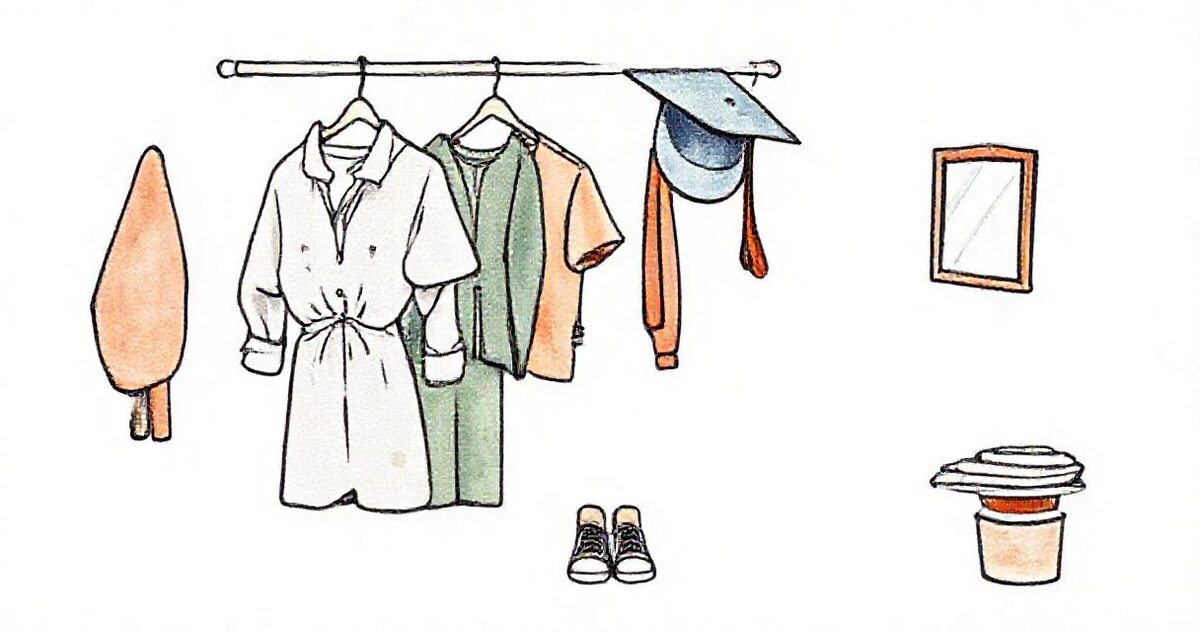
- Outfits: two or three options, solid colors or subtle patterns, at least one that feels dressy and one that feels like them. Avoid big logos. Bring shoes for each outfit.
- Personal touches: a jersey, letterman jacket, instrument, art, a car, a pet. These are often the photos families love most.
- Grooming: haircuts a week or so before, not the day before; nails clean; a lint roller and a small kit for the day.
- Locations: offer a short list of your proven spots, and ask if there's a place that matters to them.
- Timing: explain why sessions are in the evening (the light), how long it lasts, and where to meet.
- Parents' role: welcome but quiet. Many seniors relax once a parent steps back a little.
The session itself
- Start with something easy and talk more than you shoot for the first few minutes. Most seniors are nervous; the best expressions come after they've forgotten about the camera.
- Get the yearbook shot early. If you're providing the yearbook image, make sure you have it, in the format the school requires, in the first part of the session.
- Vary the frame: close-up, waist-up, full length, environmental, candid walking, and a few with the personal item. Variety makes the gallery feel generous.
- Plan outfit changes around the light: the dressiest look for the best light.
- Show a few frames on the camera mid-session. A senior who sees they look great relaxes visibly.
- Back up the cards the same night.
Yearbook photos and deadlines
The yearbook photo is the one image with someone else's rules attached. Schools differ widely: some use a contracted studio for all seniors and don't accept outside photos, some accept submissions that meet strict specs, and some are flexible. Before promising a yearbook image, find out:
- Whether outside photographers are accepted at that school at all.
- The format: head-and-shoulders or more, vertical crop, background color or style, any rules on props, hats or hands.
- The technical spec: file type, dimensions or minimum resolution, color space.
- How to submit: through an online portal, to the adviser by email, or by the family.
- The deadline, which is the date your whole season should respect.
A useful habit: let the senior choose their yearbook image from the gallery (as a favorite) by a set date, then you prepare and deliver the file to spec. It removes guesswork and makes sure the image in the yearbook is one they love.
Delivering the gallery
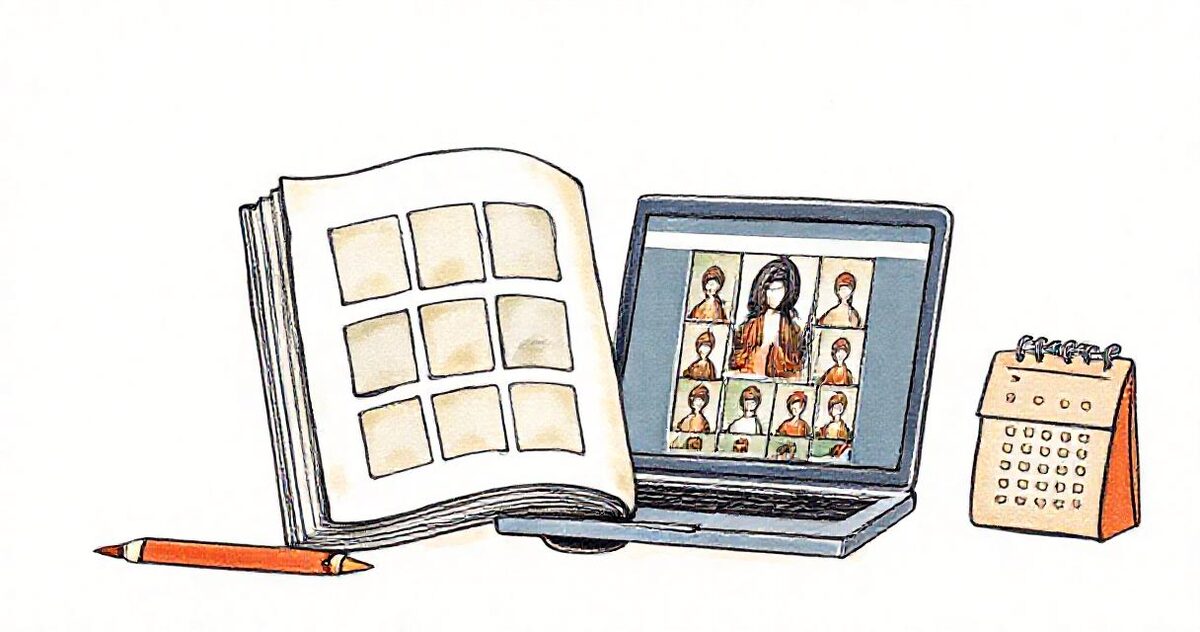
The gallery is where a senior session either takes off or quietly ends. A gallery the senior loves gets shared to friends and stories, which is how next year's juniors find you. A clunky one (a ZIP file, a confusing folder) gets downloaded once and forgotten.
- Deliver when you promised, and promise realistically for your busiest month. Two to three weeks is common; whatever you choose, put it in the contract.
- Send a small sneak peek within a few days: three to five favorites. Seniors post them, and the excitement builds for the full gallery.
- Make it beautiful on a phone, because that's where seniors will open it and share from.
- Let them pick favorites: for the yearbook image, for prints, for an announcement. It turns "which ones do you like?" emails into one clear list.
- Offer both sizes: full resolution for printing, web size for sharing.
- Protect it if they want: a password for families who'd rather keep it private.
- Say how long it stays online, and remind families to download their own copy.
How this works in GalleryLink
If your edited senior galleries already go to Google Drive, GalleryLink turns that folder into the gallery: paste the folder link and the senior gets a polished, phone-friendly gallery instead of a Drive file list. Subfolders become sections (for example "Downtown", "Field", "Jersey"), and if you add retouched images to the folder later, the gallery updates within about a minute.
- Favorites let the senior pick their yearbook image and print choices, listed on a Client picks page.
- Passwords, download settings and ZIP downloads for families who want them.
- Gallery stats show when the family has opened it, so you know whether to send a reminder before the yearbook deadline.
- A consistent look: set a theme once and duplicate the gallery for each senior, so every gallery in your season matches your brand.
- A QR card to hand out at the end of the session or print on your thank-you cards.
Pro is $5 a month or $50 a year with unlimited galleries, so a full senior season costs the same as a quiet month. Drive-linked galleries don't use GalleryLink storage, so a season of full-resolution galleries doesn't push you into a bigger plan.
Prints, announcements and albums
- Graduation announcements are the most natural product: families need them in spring, and they want the senior photo on them. Offer a simple design service or recommend a template.
- Wall prints and canvases for the family home; grandparents are often the buyers.
- Wallet prints for friends: still popular for swapping.
- A small album for the senior's best images, especially for signature sessions.
- Time it well: mention products at delivery, then again in late winter when announcement season starts.
Marketing for next year's class
Senior photography markets itself through the seniors, if you make sharing easy and give it a little structure:
- Representatives or a model team: many photographers invite a handful of rising seniors from different schools to be representatives, with a free or discounted session and a referral reward. They share their photos and refer classmates.
- Referral rewards: a print credit or a discount for each friend who books.
- Instagram and TikTok: seniors find photographers there. Post sessions (with permission), behind-the-scenes clips and outfit tips.
- Your gallery is an ad: every shared gallery shows your work to the senior's whole class.
- Book early: announce next season in late winter, and offer past clients' younger siblings first choice of dates.
A season workflow that scales
- Booking: package, retainer, contract, marketing permission, school name and yearbook deadline.
- Prep: welcome guide, outfit and location planning, a reminder a few days before.
- Session: yearbook shot first, variety, personal items, backup that night.
- Sneak peek within a few days.
- Full gallery within your promised time, as one folder per senior and a gallery made the same way every time.
- Favorites and yearbook choice by a set date; prepare and submit the yearbook file to spec.
- Products at delivery and again for announcements in late winter.
- Review and referral ask a week or two after delivery.
Kept in this order, a senior season becomes a repeatable system rather than a summer of chasing messages, and the galleries do the marketing for next year's class.