How to Collect Wedding Guest Photos With a QR Code (No App Needed)
Put one QR code on the tables and let every guest add their phone photos and videos to the wedding gallery — no app, no account, and nothing scattered across WhatsApp groups.
Short answer
Put a QR code on the tables that opens an upload page in the guest's own browser, with no app and no account. Guests add their phone photos and videos straight into the wedding gallery, so the pictures nobody else could take end up alongside the professional set instead of scattered across group chats.
Two hundred guests spend your wedding day taking photographs. They catch the things nobody could plan for — the table your photographer wasn't at, the aunt crying during the speech, the ten seconds before the first dance when everyone was still laughing. Then those photos scatter across a dozen group chats and are effectively lost within a week.
A single QR code on the tables fixes it. Guests scan, add their photos, and everything lands in one place alongside the professional gallery — no app to download, no account to create, nothing to chase afterwards. This guide covers how it works, where to put the codes, the wording that actually gets people to use them, and how to handle the awkward parts nobody mentions.
Table of Contents
- Why guest photos are worth collecting
- How QR photo collection works
- Why "no app" is the whole game
- Where to put the codes
- The wording that gets scans
- Versus wedding photo-sharing apps
- The awkward parts: moderation, privacy, duds
- What to do with them afterwards
- Setting it up (photographers and couples)
Why guest photos are worth collecting
Not because they're better than the professional photographs — they aren't, and that's not the point. They're different:
- Different vantage points. Your photographer was at the front during the ceremony; the photo from row six shows the whole room reacting.
- Different hours. Coverage usually ends before the night does. The last hour of a wedding exists only on guests' phones.
- Different faces. Guests photograph each other in a way no photographer can — people behave differently for a friend's phone.
- They vanish otherwise. A photo in a group chat is unrecoverable within a month. Collected in one place, it survives with the rest of the day.
How QR photo collection works
The mechanism is deliberately boring, which is why it works with a guest list spanning ages eight to eighty-eight:
- The gallery for the event has guest uploads switched on.
- A QR code pointing at that gallery is printed on cards, signs or the menu.
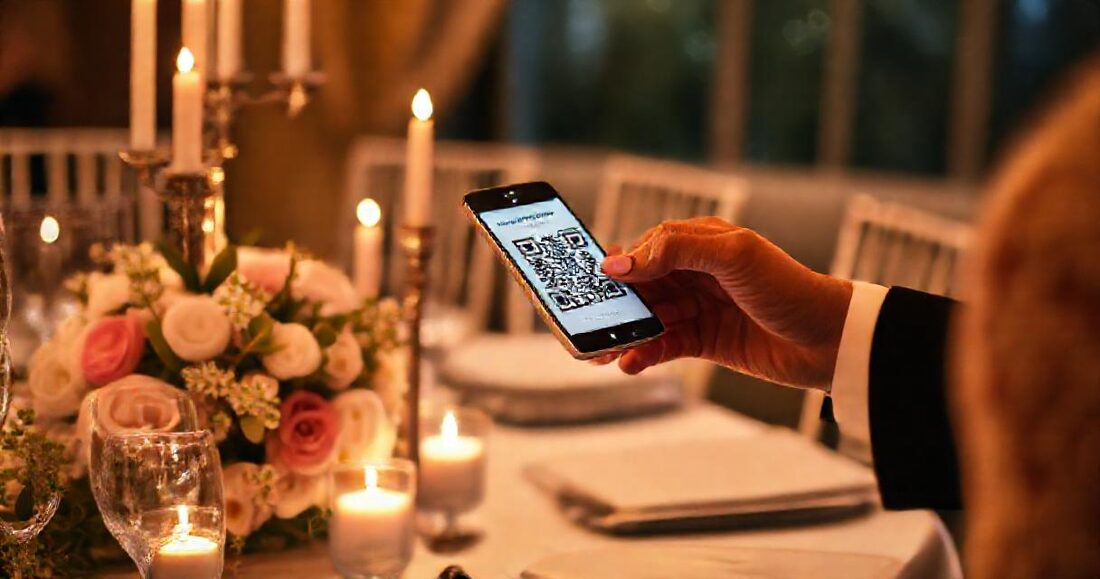
- A guest points their phone camera at it — every iPhone and Android does this natively now, no scanner app.
- The gallery opens in their browser. They tap Add your photos, choose from their camera roll, and optionally add their name.
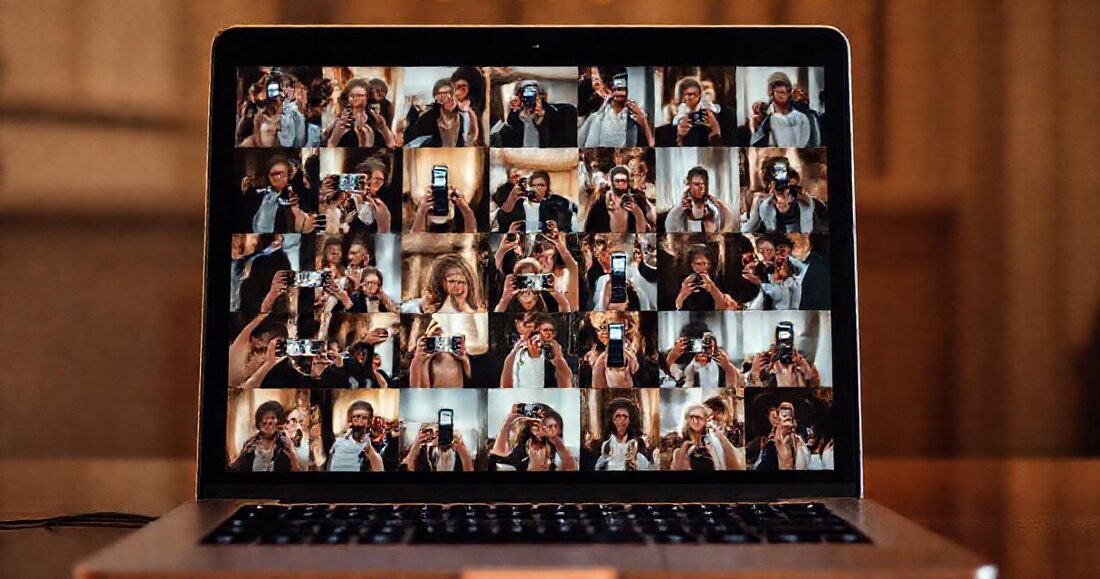
- The photos appear in the gallery's guest section, and — if there's a live slideshow on the venue screen — on the wall within moments.
In GalleryLink, guest uploads are stored separately from the photographer's own set, so a professional delivery never gets mixed with phone snapshots. Print-ready QR cards and posters are generated for any gallery, with the couple's names and your studio branding already on them.
Why "no app" is the whole game
This is the difference between a wall of guest photos and an empty one. Every extra step costs you most of the room:
| Ask | Realistic participation |
|---|---|
| "Download our wedding app" | A handful of people, mostly under 30 |
| "Email your photos to us" | Almost nobody, and never at full quality |
| "Post with our hashtag" | Only people on that platform; you never get originals |
| "Scan this, tap, done" | Anyone with a phone camera |
An app install at a wedding asks a guest to stop what they're doing, find an app store, wait for a download, and create an account — at a party, holding a drink. The scan-and-upload path takes about fifteen seconds and no decisions.
Where to put the codes
- One per table, in a small stand alongside the flowers. This is the highest-yield placement by a distance — people are seated, unoccupied between courses, and phones are already out.
- By the guest book or gift table, where there's already a queue and a reason to pause.
- On the back of place cards or the menu, which costs nothing extra if you're printing anyway.
- A larger sign near the bar or the photo booth — the two places people naturally cluster.
- Not only in the welcome sign at the entrance. Everyone walks past it and nobody stops to read.
One more high-leverage trick: ask the MC or DJ to mention it once, early in the evening. A single sentence — "there's a QR code on your table if you'd like to add your photos to the couple's album" — reliably multiplies participation, because guests need permission more than they need instructions.
The wording that gets scans
The card has about three seconds of attention. What works:
Add your photos to our album
Scan to share the moments we missed. No app needed.
Three principles behind that: "our album" makes it feel like contributing rather than uploading to a stranger; "the moments we missed" tells them what to send, which stops them wondering whether their photo is good enough; "no app needed" pre-empts the objection that kills participation. Avoid technical words entirely — "upload", "gallery", "platform" all reduce scans.
Versus wedding photo-sharing apps
There's a category of dedicated apps for this — GuestPix, POP and others. They work, and they're a reasonable choice if collecting guest photos is the only thing you want. The tradeoffs:
| Dedicated guest-photo app | Guest uploads in the wedding gallery | |
|---|---|---|
| Guest has to install something | Often yes | No |
| Where the photos end up | A separate service | Alongside the professional gallery |
| Photographer's photos in the same place | No | Yes |
| Live screen at the venue | Sometimes, extra cost | Included |
| Who pays | The couple, per event | Usually the photographer's plan |
| After the day | Another link to keep track of | One link for everything |
The consolidation is the real argument. A year later, the couple should have one link that holds their wedding — not a professional gallery, plus an app account, plus three group chats.
The awkward parts: moderation, privacy, duds
Most of what arrives will be ordinary, and that's fine. Expect blurry dance-floor shots and eleven near-identical photos of the cake. They cost nothing to keep, they're grouped separately from the professional set, and the couple can enjoy them without anyone confusing them for your work.
Someone will upload something silly. Rarely something worse. Because uploads are attached to a gallery you control, anything can be removed in a couple of taps — worth knowing you can, and worth almost never needing to.
Privacy is a real consideration. A wedding gallery with guest uploads should normally be password-protected, with the password on the same card as the QR. Guests are contributing to something private, not publishing to the internet, and telling them so on the card increases participation rather than reducing it. For corporate events, check with the organiser first — some workplaces have strict photo policies.
Set expectations about quality. Phone photos arrive at phone quality. Nobody minds, as long as nobody was promised otherwise.
What to do with them afterwards
Leave them in the gallery. The guest wall becomes part of the delivery the couple returns to, and it does something quietly useful for the photographer: every guest who uploaded now has a reason to open the gallery again to see whether their photo made it — which means more people, more often, looking at your photography with your name on the page. See sharing wedding photos with guests for the wider picture of how those visits turn into referrals.
A few couples like to pull the best guest frames into the album; the selection flow handles that the same way it handles yours.
Setting it up (photographers and couples)
If you're the photographer: create the event's gallery, switch on guest uploads in the gallery settings, print the QR cards from the delivery kit, and hand them to the couple or the venue with the table plan. Guest uploads and the live view are part of the Event Suite on Pro; the event photography guide covers the full day-of setup.
If you're the couple: ask your photographer whether their gallery supports guest uploads — increasingly they do, and it saves you buying a separate app. If they don't, this is a perfectly reasonable thing to request; it costs them nothing and it's your wedding that benefits.