Same-Day Event Photo Delivery: A Practical Workflow
Event clients want photos while people are still talking about the event. Here's how to deliver in stages from a single link — selects tonight, the full set later, no second upload.
Short answer
Treat delivery as stages rather than a single moment: publish a curated set of 30 to 50 frames the same night at a link you can keep adding to, then add the full set within a few days. The client gets something usable while the event is still being talked about, and you never send a second link.
The event ended four hours ago, the client's marketing team wants something for tomorrow's recap post, and you have 1,400 frames on two cards. Same-day delivery is mostly a sequencing problem: the mistake is treating delivery as a single event that happens when everything is finished, rather than a stream that starts while you're still shooting.
This is a workflow for getting usable photos into a client's hands the same night — without staying up until 3am, and without a second delivery that confuses everyone about which link is real.
Table of Contents
- Why same-day matters more than quality-at-the-margin
- The principle: one link, staged content
- On site: shooting for a fast cull
- The selects pass
- Publishing while you work
- The full set, later
- A realistic timeline
- Charging for it
Why same-day matters more than quality-at-the-margin
An event has a half-life. A conference photo posted the same night gets attention while attendees are still talking about the keynote; the same photo two weeks later is documentation nobody engages with. For corporate clients this is the entire value: their social team, their press release, their internal newsletter all need images on a clock.
The uncomfortable truth is that a good-enough photo tonight beats a perfect photo on Thursday for this use case. That doesn't mean lowering your standards for the final set — it means recognising that the client has two different needs and the first one is urgent.
The principle: one link, staged content
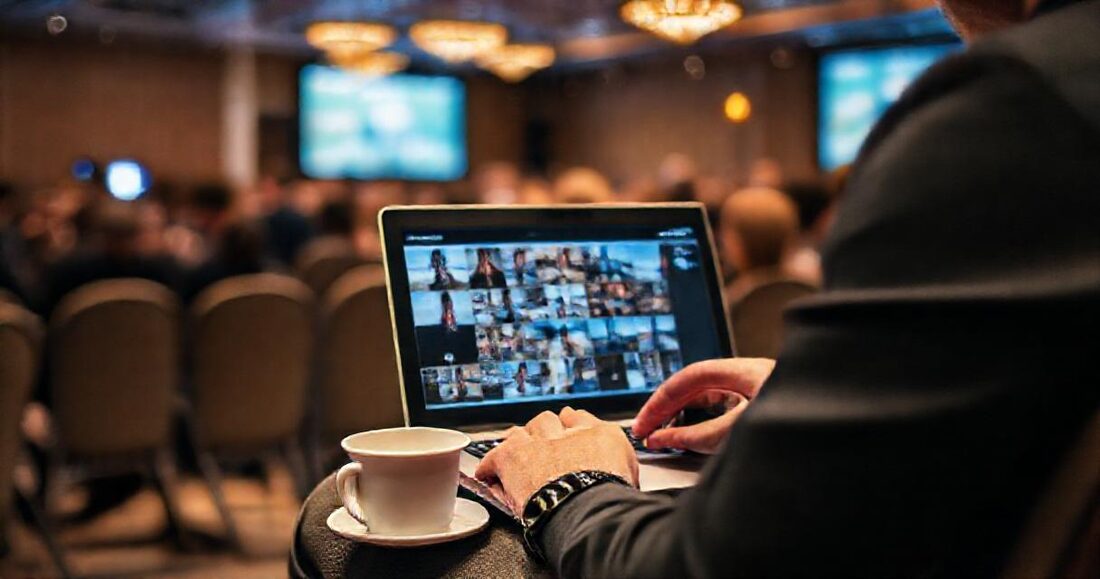
Everything below rests on a single decision: the same-night selects and the eventual full set live at the same URL.
Two links means the client's marketing person bookmarks the wrong one, the press release cites the temporary one, and you spend a week clarifying. One link that fills up over time means you can send it before you've finished — and photos appear for a client who already has the tab open.
This works because a gallery reading a folder shows whatever is in the folder at that moment. Publish early, keep exporting into it, and the delivery grows on its own.
On site: shooting for a fast cull
Same-day delivery is won during the event, not after it:
- Flag as you go. Most cameras let you rate or protect a frame in-body. Ten seconds after the keynote's best moment, mark it — that's your selects list, built for free.
- Shoot a tighter set for the selects. You know what the client needs: the speaker mid-gesture, the full room, the logo in frame, candid networking, any VIP.
- Get white balance right in camera. Mixed conference lighting is the single biggest time sink in a fast edit. Two minutes with a grey card beats forty minutes of correction.
- Card off-load in gaps. Lunch and breakout sessions are import time.
The selects pass
Twenty to forty frames, not two hundred. The discipline is to edit for usable, not for final:
- Import only the flagged frames.
- Apply one baseline preset to the batch. Consistency matters more than perfection here.
- Fix exposure and white balance per frame — nothing else.
- Skip retouching entirely. The full set is where that happens.
- Export at full resolution to the event's delivery folder.
Forty frames, thirty minutes, done in the car park or on the train home.
Publishing while you work
Create the gallery before the event, pointed at the (empty) event folder. Then:
- Send the link to the client during the event, with one line: "Selects will start appearing here tonight; the full set follows next week."
- As your export finishes syncing, photos appear in the link they already have. No second email required.
- If the client is publishing immediately, tell them downloads are full resolution and the link is permanent — that prevents the panic-download-everything-now instinct.
For multi-day events, use one subfolder per day so each becomes a named section — attendees and clients navigate by day rather than scrolling through everything. Add a QR code at the venue if attendees should see the gallery too; conference organisers increasingly ask for this, and it turns your delivery into an attendee-facing asset.
The full set, later
Nothing about the fast path compromises the proper edit. Over the following days, work through everything at your normal standard and export into the same folder. The gallery grows; the client's link is unchanged; the selects you delivered on the night are simply the first frames of a complete delivery.
If your selects were rougher than your final standard, re-export them at the end and overwrite — the gallery serves the newer file with no client-facing action at all.
A realistic timeline
| When | You | The client has |
|---|---|---|
| Day before | Create the gallery on an empty folder | Nothing yet |
| During the event | Flag as you shoot; send the link | A link, and expectations set |
| Event + 3h | Selects pass: 30–40 frames, one preset, export | Usable photos for tonight's post |
| Next morning | Nothing | Photos already in the recap |
| +3–7 days | Full edit, exported to the same folder | The complete set, same link |
Charging for it
Same-day selects are a genuine premium service and should be priced as one — it's a real constraint on your evening and a real commercial benefit to the client. Two approaches that work: a flat rush fee on top of the day rate, or bundling "same-night selects" into a higher tier while the standard tier delivers in a week.
Either way, list it explicitly on your studio page's services. Corporate clients comparing photographers rarely see this offered, and it's a differentiator that costs you thirty minutes rather than a new skill. The event photographers guide covers the wider setup, including the live venue screen.