Updates itself
The gallery reads your Drive folder, so anyone on your team who can add files to it can update your website, with no website login.
Websites
Google Drive can share a folder, but it can't show one as a gallery on your website, and re-uploading the same photos into your website builder every time they change gets old fast. GalleryLink turns the folder into a proper gallery and gives you a short piece of code to paste into your site. From then on, whatever is in the folder is what your visitors see.
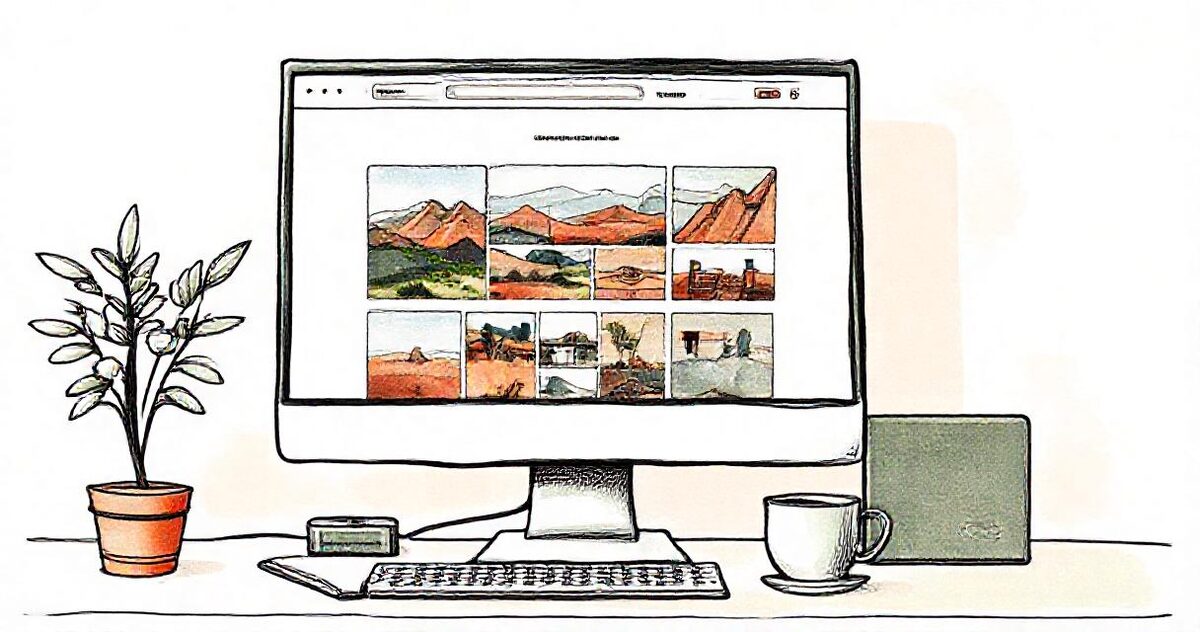
Share the Drive folder as Anyone with the link, turn it into a gallery in GalleryLink, open Share › Embed and copy the code. Paste it into a Code block on Squarespace, Embed HTML on Wix, a Custom HTML block on WordPress or an Embed Code element on Showit. The gallery shows on your page with a full-screen photo viewer, and it updates whenever you add photos to the folder.
In Google Drive, share the folder as “Anyone with the link” (Viewer). Subfolders become sections in the gallery.
Paste the folder link into GalleryLink and pick a theme and layout. Downloads, captions and favourites are up to you.
Open Share › Embed, choose a height, and copy the code. There are where-to-paste tips for Squarespace, Wix, WordPress, Showit and Notion.
Add a code or HTML block where the gallery should appear, paste, publish. Add photos to the folder later and the page shows them.

The gallery reads your Drive folder, so anyone on your team who can add files to it can update your website, with no website login.
The embedded gallery leaves out the cover banner, so it sits neatly inside your page under your own heading.
Squarespace, Wix, WordPress, Showit, Notion, or any site that accepts an embed code.
Themes, layouts and custom styles carry over. On Pro, galleries stay online with no time limit and carry your logo.
Build and preview a gallery free, with no card. To share it with clients, go Pro. Pro is $8/mo or $80/yr for unlimited galleries, password protection, every theme and layout, and your own studio subdomain. Your photos stay in your Google Drive either way, so nothing here is priced by storage.
See full pricing →Not as a gallery: a shared folder opens Google's file list, and Drive has no gallery embed. Turn the folder into a GalleryLink gallery and embed that instead; it still reads your folder live.
Any that accept embed code: Squarespace (Code block), Wix (Embed HTML or Embed a site), WordPress (Custom HTML block), Showit (Embed Code element) and Notion (/embed). Some builders only allow embeds on certain plans, such as WordPress.com Business and up.
Browsers block password checks inside another website's frame, so an embedded password gallery shows an “Open the gallery” button instead of the photos. Leave the password off galleries that live on your website.
On Pro and Studio, yes, for as long as you're subscribed. Free galleries are shared for 24 hours, so a gallery that lives on your website needs Pro.
Paste a Google Drive folder link — or upload the photos straight to us — and share a beautiful gallery. Free to start, no credit card.
Start freeCreate a gallery