Three designs, four colour themes each
Sunset for golden-hour wedding and portrait work, Folio for editorial and fine-art, Stage for music, events and nightlife. Switch any time; your words move with you.
Portfolio website
Most portfolio sites go stale because updating them is a chore: export, resize, upload, arrange. Here the portfolio is your galleries. Pick the ones that show your best work and they appear on the site live, so the wedding you delivered last week is on your homepage this week without touching a builder.
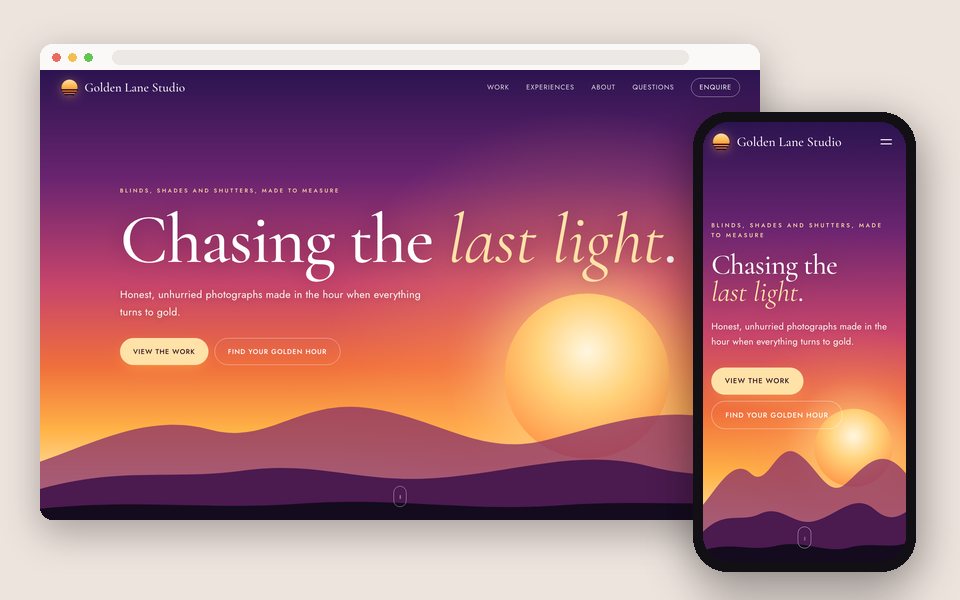
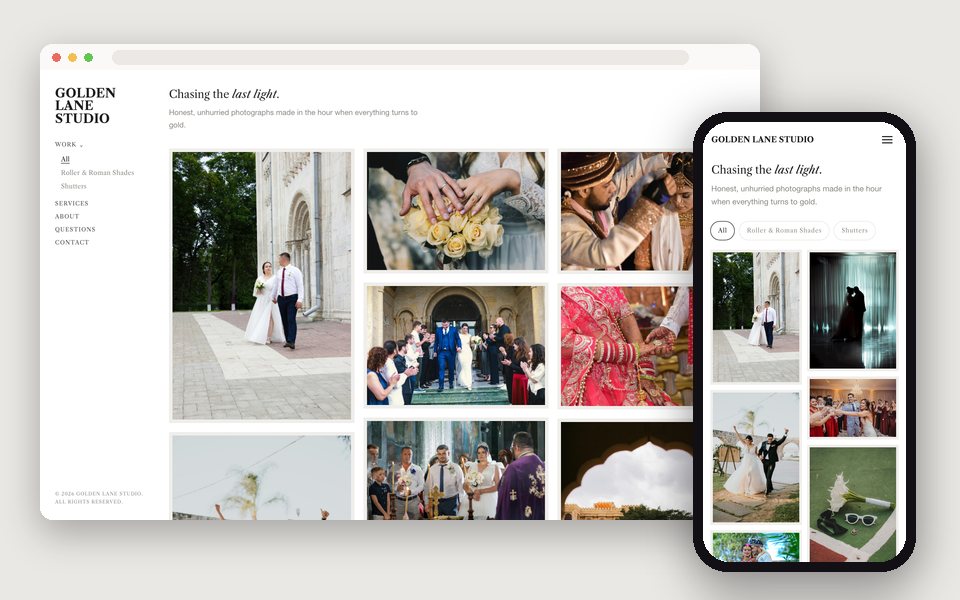
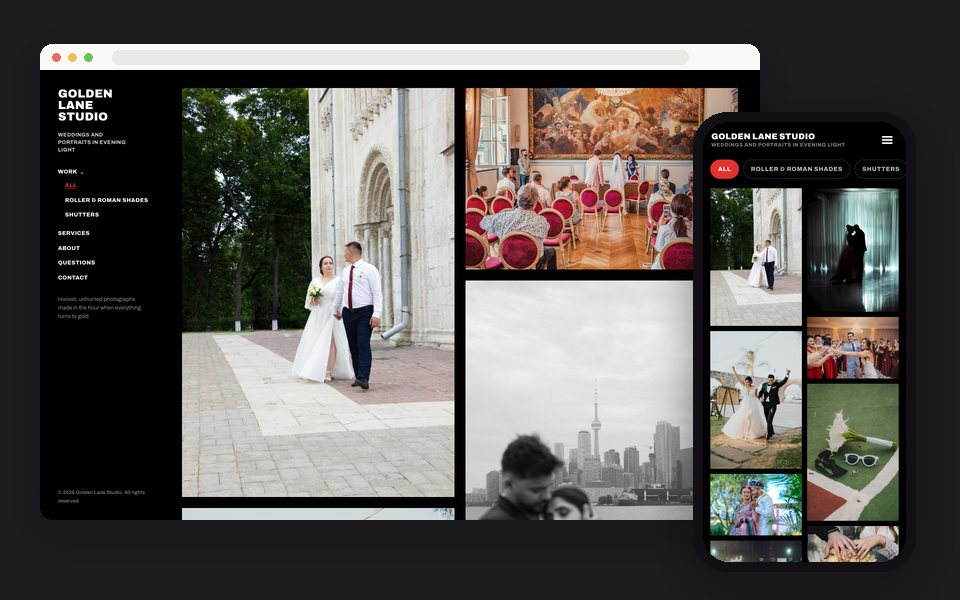
Choose Portfolio website in GalleryLink's Website editor, pick Sunset, Folio or Stage, write your headline and about text, and tick the galleries to show. The site is published at yourname.gallerylink.live or your own domain, with an enquiry form that lands in your inbox, and it updates as your galleries do.
Your work and your story, with your client galleries live inside, and enquiries straight to your inbox.
Sunset for golden-hour wedding and portrait work, Folio for editorial and fine-art, Stage for music, events and nightlife. Switch any time; your words move with you.
The Work section is a list of your real GalleryLink galleries. New photos in the folder are new photos on the site.
The sections a client reads before booking, each one a switch you can turn off.
Enquiries arrive in your GalleryLink inbox and your email, with the date and the kind of shoot.
Sunset's visitors can check when the light turns gold at their venue on their date. A small reason to stay on the page.
yourname.gallerylink.live by default; connect www.yourstudio.com on Pro or Studio.
You probably have them already: your best weddings, sessions or shoots, each from a Drive folder or uploaded.
In Dashboard → Website, pick what the site is for, then Sunset, Folio or Stage, with a full-size preview using your own content.
Headline, about, services, questions. The editor saves as you type and previews on desktop and phone.
One click. The site replaces your classic studio page at your address, and you can unpublish any time.
Build and preview the site free, with no card. Publishing is part of Pro, $8/mo or $80/yr, with unlimited galleries, every design and theme, and your own domain. There is no charge per site, per page or per item.
See full pricing →Yes. Only the galleries you tick appear on the site, and password-protected galleries never do. Make a public 'best of' gallery for the portfolio and keep client deliveries private.
No. The site shows the same previews your galleries do, generated from the originals in Drive or your uploads.
Yes, on Pro and Studio. Connect it in your Studio page settings and the website follows it.
Not yet. The site is a portfolio with an enquiry form. For prints and products, link to your print lab from the header button.
Publishing the website replaces it at the same address. Unpublish and the classic page comes back.
Paste a Google Drive folder, pick what the site is for and a design, and preview it with your own photos. Free to start, no credit card.
Start freeOpen the Website editor