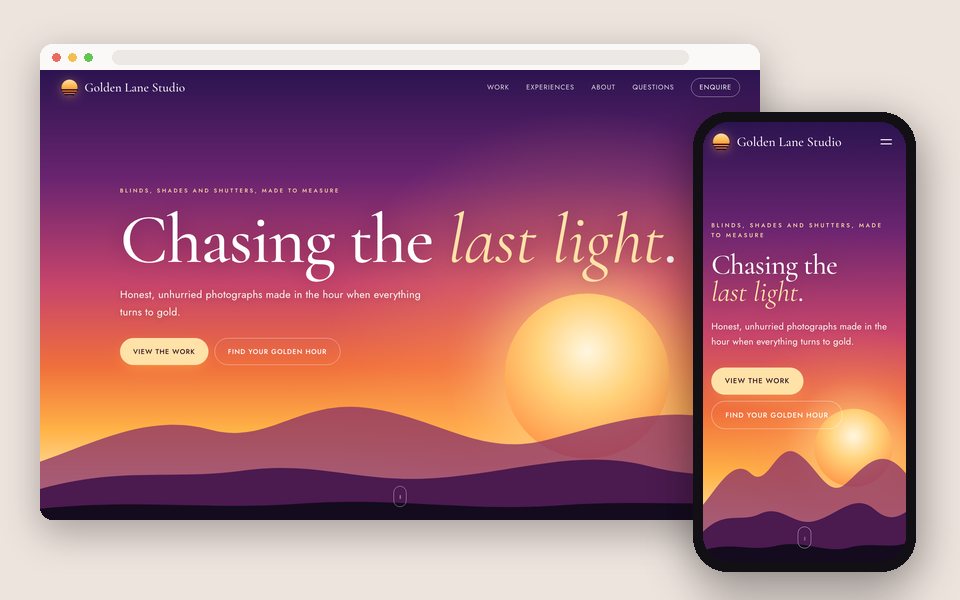
Portfolio website
A photography portfolio website with your client galleries built in
A portfolio site for photographers where the work is your real galleries, kept up to date from Google Drive: three designs, an enquiry form to your inbox, your own domain.
See how it works →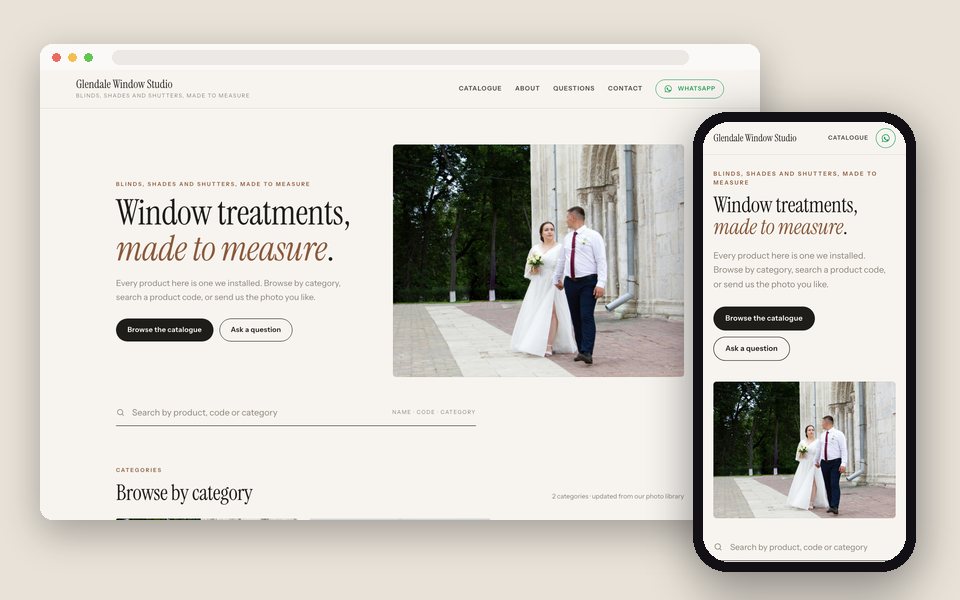
Product catalogue
A product catalogue website, from the photos you already have
Make a product catalogue website from Google Drive folders: a page per category, names, codes and prices on every item, search across the catalogue, and 'Ask about this item' by email or WhatsApp.
See how it works →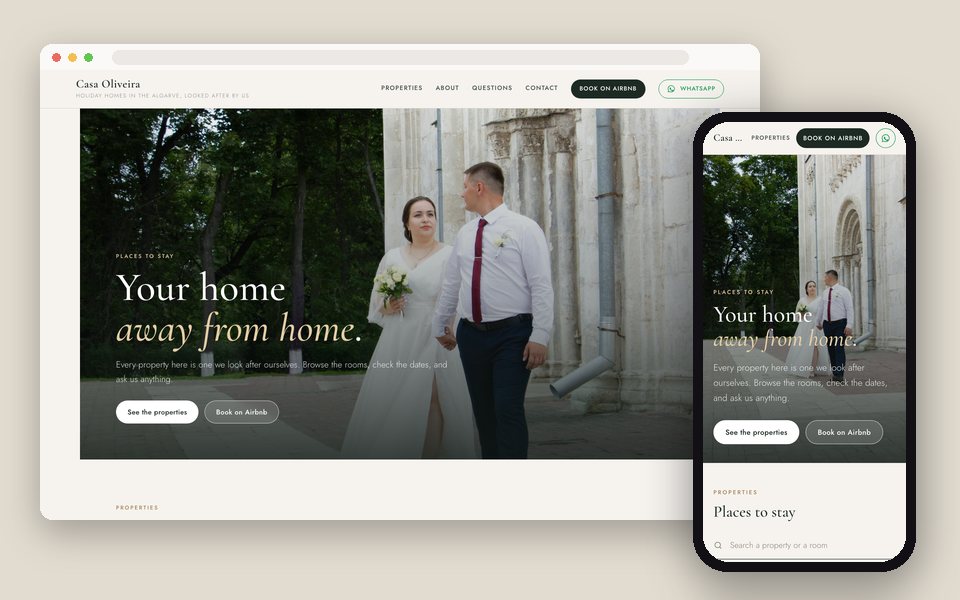
Property listings
A holiday rental and property website from your Google Drive
Make a property website from the folders you keep per villa or apartment: a page per property with its rooms, a booking button, and an enquiry form that asks for dates. On your own domain.
See how it works →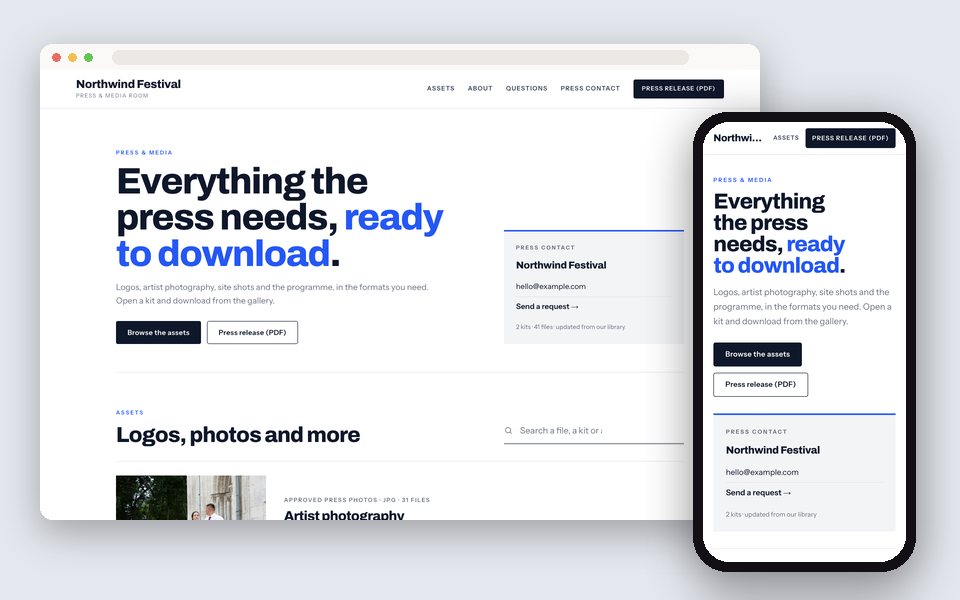
Press & media room
A press & media room that runs on your Google Drive
Give journalists one address for logos, product photos, portraits and venue shots: a media room made from the Drive folders you already keep, with downloads, a press contact and a request form.
See how it works →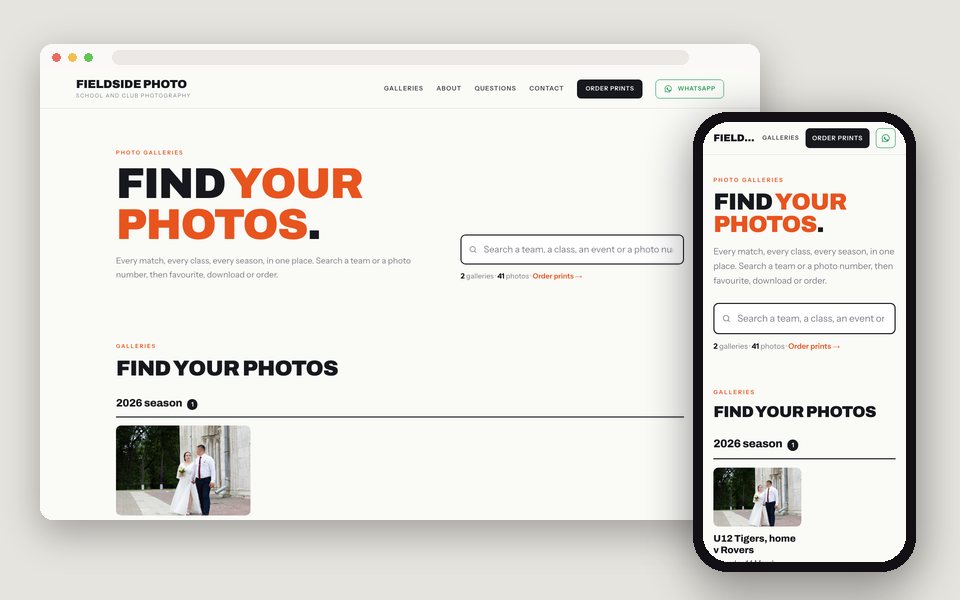
Event & season hub
One photo hub for every event and season, searchable by team, class or photo number
A website for school, sports and event photographers: every gallery grouped by season or year, a search box for a team, a class or a photo number, numbered photos, and your print-ordering link in the header.
See how it works →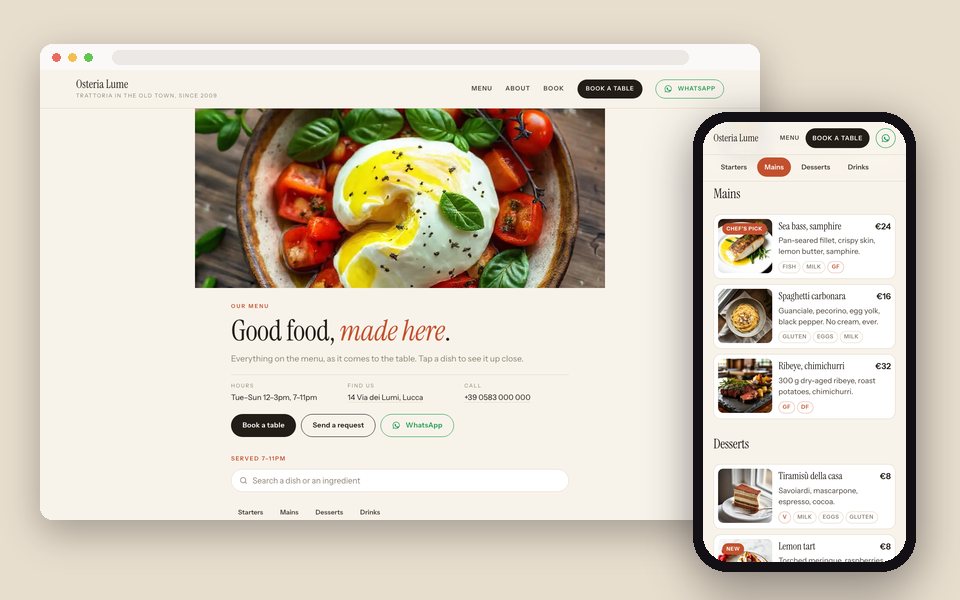
Restaurant menu
A menu guests scroll on their phone, every dish as a photo or a short video
A digital menu made from your dish photos and clips: categories from your folders, prices and allergens on every dish, a tap to see it up close, a QR code for the tables, and 'Book a table'. Updates when the folder does.
See how it works →How every one of them is made
- 1
Your folders, as they are
One Drive folder per category, property, kit or event, with subfolders where you'd naturally use them. Or upload the photos to GalleryLink instead.
- 2
A gallery per folder
Paste the folder link. The gallery keeps up with the folder; on Pro you can give any photo a title, a description, a price and tags.
- 3
What is it for, and which design
In Dashboard → Website, choose the kind of site, then a design, with a full-size preview using your own content and four colour themes each.
- 4
Publish on your address
yourname.gallerylink.live, or your own domain on Pro and Studio. Every page is plain HTML, so search engines read it.
Questions
Is this a website builder?+
No. You don't drag boxes around. You choose what the site is for, choose a design, write a few lines of text, and pick which galleries appear. The design does the layout; your folders do the content.
Do the photos have to be in Google Drive?+
No. Galleries can also be uploaded straight to GalleryLink. Drive is the convenient path when the folders already exist.
Can it be on my own domain?+
Yes. Every site lives at yourname.gallerylink.live, and on Pro and Studio you can connect your own domain, such as www.yourstudio.com or press.yourbrand.com.
Does Google index the pages?+
Yes. Every page is rendered as plain HTML, including category, property and kit pages with their items, with titles, descriptions and canonical links per page.
What does it cost?+
Building and previewing a site is free. Publishing is part of Pro and Studio, with no extra charge per site or per page.
Start with the folder you already have
Paste it, pick what the site is for, and see it with your own photos. Free to start, no credit card.
Start freeOpen the Website editor