Two Shooters, One Gallery: A Second-Shooter Delivery Workflow That Merges Itself
Clock sync, filename prefixes, the 48-hour handoff, and two gallery merge strategies — including linking a second shooter's folder so their updates appear in the couple's gallery automatically.
Short answer
Sync both cameras to the same clock before the day starts and give each body a unique filename prefix, because two cameras both counting to DSC_9999 will collide on import. Agree the handoff format and deadline in advance, then merge either by editing everything into one stream or by linking the second shooter's folder so their updates appear in the couple's gallery automatically.
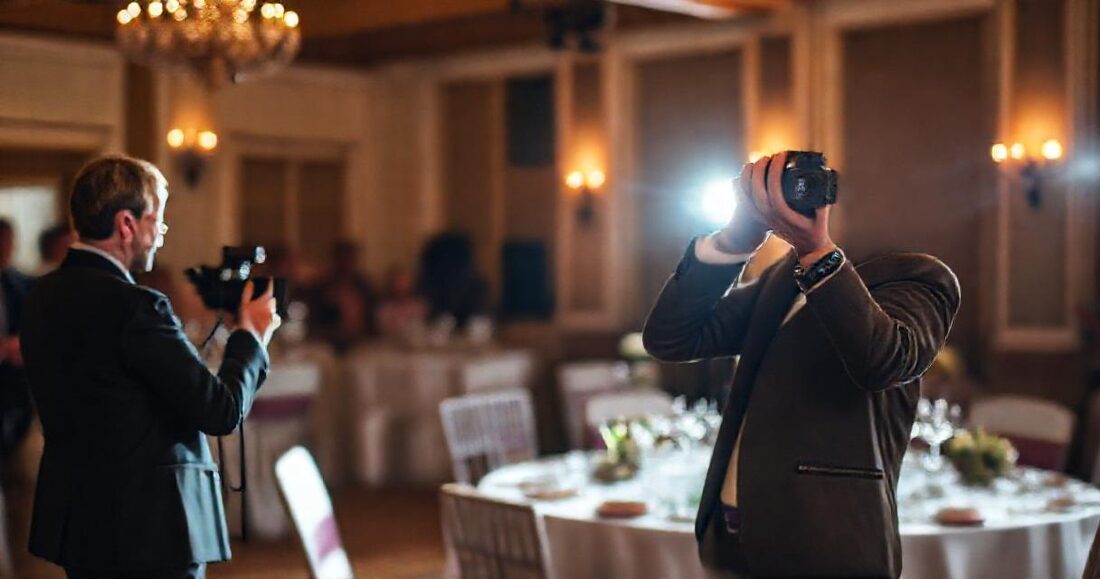
Two shooters, one wedding, and then the part nobody planned: two card dumps, two editing styles, two folder structures, and one couple expecting a single coherent gallery. The merge is where second-shooter arrangements quietly fray — files arrive late, filenames collide (both cameras counted to DSC_4032), and the timeline interleaves badly because the clocks were ninety seconds apart.
This is a working workflow for getting two photographers' files into one delivery without a night of manual shuffling: the agreements to make before the wedding, the folder mechanics that make merging automatic, and how galleries with multiple sources keep the couple's view seamless.
Table of Contents
- Three agreements to make before the wedding
- Clocks, cards, and filename collisions
- The handoff: getting their files to you
- Two merge strategies in the gallery
- Scenes when two people shot the same day
- Credit, usage, and who gets the gallery
- The complete checklist
Three agreements to make before the wedding
Every messy merge traces back to a conversation that didn't happen. Settle these three in the booking email:
- Who edits? The dominant convention — lead edits everything for one consistent look — is also the one that makes delivery cleanest. If the second shooter edits their own, agree on a shared preset and export spec (color space, long-edge pixels, sharpening) or the gallery will visibly seam.
- When do files land? A deadline in hours, not "soon": cards or exports to you within 48 hours is standard and reasonable.
- What may they use? Portfolio rights for the second shooter are normal; publishing before the couple's gallery goes live is not. Write the embargo down. (Contract templates from PPA and similar bodies cover this well.)
Clocks, cards, and filename collisions
Two habits at the venue save hours at the desk:
- Sync camera clocks in the morning — both bodies, to the second, time zone included. Interleaving 3,000 frames chronologically is trivial when capture times are true and miserable when they're offset. Most editors sort by EXIF capture time, not filename, so this one 20-second ritual is what makes "sort by time" produce the actual story of the day.
- Prefix on import. Rename on ingest —
A-for lead,B-for second (Lightroom's import rename does this free). Collisions like twoDSC_4032.jpgfiles stop existing, and six months later you still know whose frame won the album page.
The handoff: getting their files to you

For RAW handoffs, physical cards or an SSD remain fastest for a full day's shoot. For edited-JPEG handoffs, a shared cloud folder beats transfer links: Drive folder sharing gives the second shooter a drop target that lands files exactly where delivery will read them, with no expiring links and no 2 GB email dance. Agree the folder structure before they upload — it's about to become the gallery.
Two merge strategies in the gallery
Strategy A: one edited folder, one stream (lead edits everything)
When you edit both shooters' keepers, the merge happens in your editor and delivery is unchanged from a solo wedding: one export into one folder (subfolders as scenes), published as one gallery — Drive-linked or uploaded. The couple never knows or cares which body shot what; clock-synced capture times keep the interleave honest. This is the recommended default.
Strategy B: linked folders, merged live (separate edit streams)
Sometimes the second shooter's set arrives finished — an associate-shot morning, a content-creator's extras, a videographer's stills. GalleryLink handles this without file shuffling: a gallery can link additional Drive folders beyond the main one, in either of two modes:
- Merge into one — their photos flow into the main stream with no headings, one seamless gallery. Right when the second set covers the same hours as yours.
- Own sections — each extra folder appears as its own named scene ("Getting Ready — Bride's Suite", shot by your second, sits alongside your ceremony). Right when the sets cover different parts of the day.
Either way the second shooter keeps ownership of their folder — updates they push appear in the delivered gallery automatically, because linked galleries read live. No re-collecting, no version drift between "their latest" and "what the couple sees".
Scenes when two people shot the same day
Scene structure should follow the day, not the org chart. Guests don't want a "Second Shooter" chapter; they want Getting Ready, Ceremony, Reception. Under Strategy A that's just subfolders. Under Strategy B, name the linked folders for their content, not their author — the shooter's credit belongs in the gallery description and your delivery email, not the navigation. A 900-frame two-shooter day divides beautifully into six scenes; it divides confusingly into two authors.
Credit, usage, and who gets the gallery
- Credit the second shooter in the gallery description — one line, "with Jane Doe on second camera", visible on the cover. Costs nothing, builds the relationship, and reads as professionalism to the couple.
- Give them the finished gallery link. It's the easiest deliverable you owe them, and when the embargo lifts they can share their portfolio picks through the same client-share mechanism couples use — a mini-gallery of just their frames, without handing them your master files pipeline.
- Downloads for the second shooter: a ZIP of the full gallery (Studio) is the clean way to hand over final edits for their records, if your agreement includes that.
The complete checklist
| When | Item | Why |
|---|---|---|
| Booking | Edit ownership, delivery deadline, usage + embargo in writing | Every later mess starts here |
| Morning of | Sync both camera clocks to the second | Chronological merge becomes automatic |
| Ingest | Prefix renames (A-/B-) | No collisions, permanent attribution |
| +48 h | Cards/exports handed off into the agreed folder | The folder is the future gallery |
| Edit week | Strategy A: edit all, export once. Strategy B: link their folder, pick merge mode | One coherent couple-facing gallery |
| Delivery | Scenes by the day's chapters; credit line in description; link to both couple and second | Everyone sees the same, finished thing |
The couple hired one vision executed by two people — delivery is where that either shows or doesn't. Merge by time, structure by story, credit by name, and the gallery reads like the single day it was. The docs cover linked folders and scene behaviour in detail; the rest of the wedding workflow lives in the wedding guide.