How Much Storage Does a Wedding Photographer Actually Need?
The honest math: what a wedding weighs, what a year adds up to, what Drive, hosted platforms, and the hybrid strategy really cost in 2026 — and why gallery expiry is a referral tax.
Short answer
Budget roughly 50 to 120 GB per wedding once raws, edits and delivered files are counted, which for twenty weddings a year is 1 to 2 TB annually before backups. The 3-2-1 rule triples that, so the practical setup for most wedding photographers is a working drive, a second local drive and cloud storage for the off site copy. Delivering galleries from storage you already pay for avoids paying for the same photos twice.
Every wedding photographer eventually does this math on a napkin: one wedding is this many gigabytes, I shoot this many weddings, storage costs this much — and then the napkin gets alarming. Storage anxiety drives more workflow decisions than photographers admit: it's why galleries get expired after 90 days, why old clients get "your gallery is coming down" emails, and why delivery platforms can charge what they charge.
So let's do the math properly — what a wedding actually weighs, what a year of shooting adds up to, what each storage strategy really costs in 2026, and where the traps are. Numbers below are honest ranges, not scare figures.
Table of Contents
- What a wedding actually weighs
- A year of shooting, added up
- The three copies you're actually paying for
- What each delivery-storage strategy costs
- The gallery-expiry trap
- A storage policy you can write down
What a wedding actually weighs
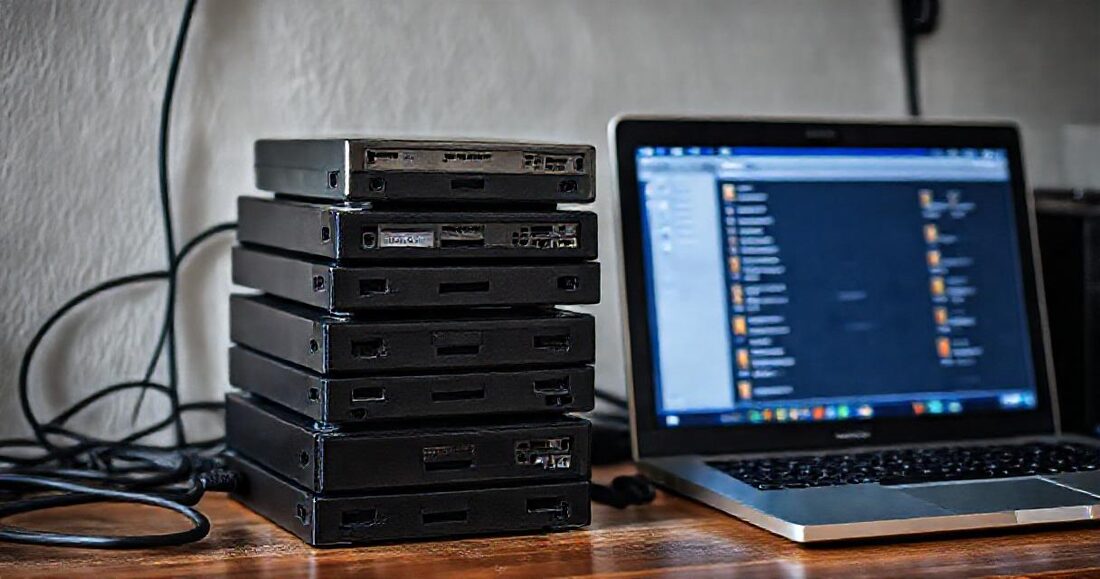
The delivered set is smaller than the shoot, and the shoot is smaller than people fear. Typical 2026 numbers for a full-day wedding, one shooter:
| Stage | Files | Size |
|---|---|---|
| Raw capture (45 MP, ~3,000 frames) | 3,000 RAW | 150–250 GB |
| Culled keepers | ~1,200 RAW | 60–100 GB |
| Delivered JPEGs (full resolution) | 700–1,000 JPEG | 8–20 GB |
| Delivered JPEGs + a highlight film | +1 MP4 | +2–8 GB |
The number that matters for delivery is the last one: a finished wedding, as the couple receives it, is usually 10–25 GB. The 250 GB raw capture belongs to your backup strategy, not your delivery strategy — mixing those two up is where most storage overspending starts.
A year of shooting, added up
Take a working photographer's year: 25 weddings, 30 portrait sessions, a handful of events.
- 25 weddings × ~15 GB delivered ≈ 375 GB
- 30 portrait sessions × ~2 GB ≈ 60 GB
- Events and everything else ≈ 65 GB
Call it ~500 GB of delivered work per year. That's the figure your delivery storage has to handle — and it compounds, because couples come back on anniversaries and portrait clients return yearly, so taking old galleries down has a real referral cost (more on why archives matter).
The three copies you're actually paying for
The classic 3-2-1 backup rule — three copies, two media, one offsite — predates cloud delivery, and delivery platforms quietly turned it into a 3-2-1-plus-one: your working copy, your backup, your offsite copy, and a fourth copy uploaded to the gallery platform, paid for monthly at the platform's markup. The strategic question of this whole article is: does your delivery copy have to be a separate, separately-billed copy? If your offsite backup already lives in Google Drive, the answer can be no.
What each delivery-storage strategy costs

Google Drive as the backbone
Google One pricing (2026): 2 TB for roughly $10/month — a plan many photographers already pay for as their offsite backup. Two terabytes holds about four years of delivered work at the volumes above. If the backup folder is the gallery — which is exactly what GalleryLink's Drive-linked galleries do — your delivery storage cost is $0 on top of the backup you already had. Old galleries stay up forever because keeping them costs nothing extra.
Hosted gallery platforms
Storage-tiered platforms bundle storage with the gallery product: Pic-Time runs roughly $7–42/month across tiers, Pixieset similar, unlimited tiers at the top end. The bundling isn't dishonest — serving downloads costs them real bandwidth money — but you're paying gallery-platform rates for commodity storage, and it's a fourth copy. At ~500 GB/year of delivered work, you're in mid-tier territory ($20–30/month) by year one and climbing after that, or deleting old galleries to stay in tier. (Detailed teardowns: vs Pixieset, vs Pic-Time.)
The hybrid: Drive for archives, hosting where it counts
Since GalleryLink added direct uploads, there's a third strategy: Drive-linked galleries as the default (free, unlimited, synced), hosted uploads for the specific jobs that need them — the corporate client whose network blocks Google, the delivery that shouldn't touch your personal quota, the gallery that needs ZIP delivery or watermarks. The Studio plan's 250 GB at $15/month is priced against exactly this pattern: it fits a year's selective hosting, not your entire archive — because your archive already has a cheaper home.
Why hosted storage can be cheaper here than at storage-tiered platforms: GalleryLink's hosted files sit on Cloudflare R2, where downloads (egress) are free — the cost that forces other platforms' tiers upward simply isn't in the bill.
The gallery-expiry trap
Ninety-day expiries exist because a platform paying per-gigabyte wants old galleries gone — and then the reactivation fee turns your archive into their revenue. But anniversaries are precisely when couples order prints and refer friends. A storage strategy that makes old galleries free to keep (Drive-linked) or cheap to keep (a plan sized to real usage) turns the archive from a liability into the referral engine it should be. If you take one number from this article: a kept gallery costs cents; a lost referral costs a booking.
A storage policy you can write down
- Backups: 3-2-1 as always — working drive, local archive, Drive as offsite. This exists regardless of delivery.
- Default delivery: link the Drive folder. Zero extra storage, syncs forever, archives free. (Setup in about a minute.)
- Hosted delivery, deliberately: upload when the job needs it — blocked networks, quota separation, ZIPs, watermarks. Budget 10 GB (Pro) if that's occasional, 250 GB (Studio) if it's routine.
- Never expire a wedding. Under this setup there's no bill forcing you to.
- Revisit yearly: your delivered-volume number × your mix of the two modes tells you the plan. The math above fits on the same napkin — it just ends less alarmingly now.
Storage should be a boring line item, not a workflow constraint. Get the copies right — backup where backup belongs, delivery reading from it or sized to real need — and the napkin math closes with money left over for the thing that actually books weddings: the work.